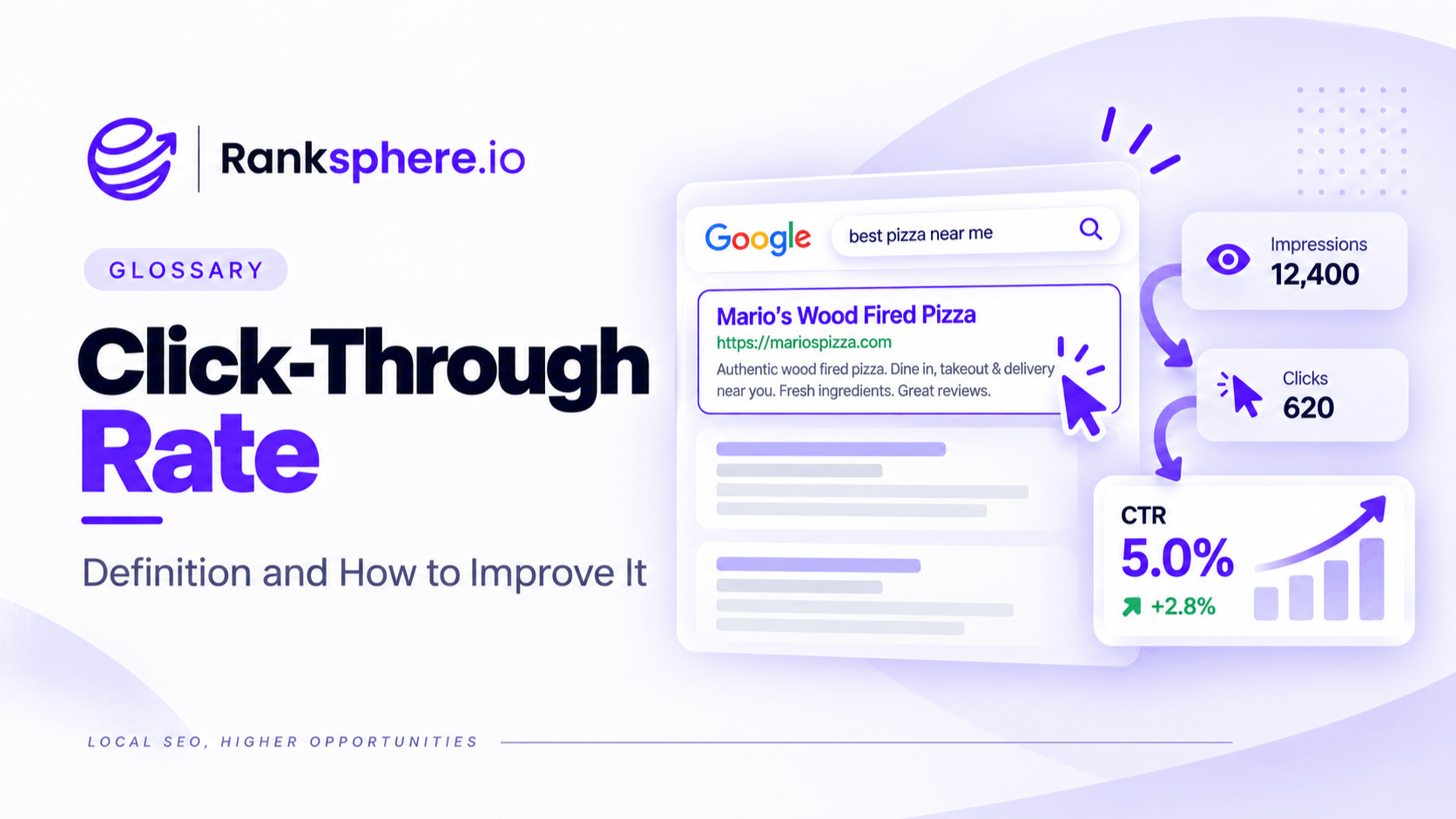
Click-through rate, or CTR, is the percentage of impressions that result in a click.
In organic search, CTR is calculated by dividing clicks by impressions and multiplying by 100. If a page appears 1,000 times in search and receives 50 clicks, its CTR is 5%.
CTR helps you understand what happens after your page becomes visible in search. A ranking can put your result in front of people, but the title, description, search intent and surrounding SERP features all influence whether someone actually chooses to click.
This makes CTR an important metric in Google Search Console, especially for pages that already receive plenty of impressions.
Why click-through rate matters
Ranking well is useful, but visibility alone does not guarantee traffic.
A page may appear prominently for a keyword and still attract relatively few clicks if the result does not look relevant, useful or compelling compared with the alternatives around it.
CTR helps you spot that gap.
It can show you:
- Pages that already have visibility but attract fewer clicks than expected
- Queries where the search result may not match the user's intent
- Titles or descriptions that may need improvement
- Situations where SERP features are taking attention away from organic results
- Opportunities to gain more traffic without necessarily improving rankings first
That does not mean every low CTR is a problem with the page.
Sometimes the search results themselves have changed, or Google is answering the query directly without requiring a click.
How CTR is calculated
The formula is simple:
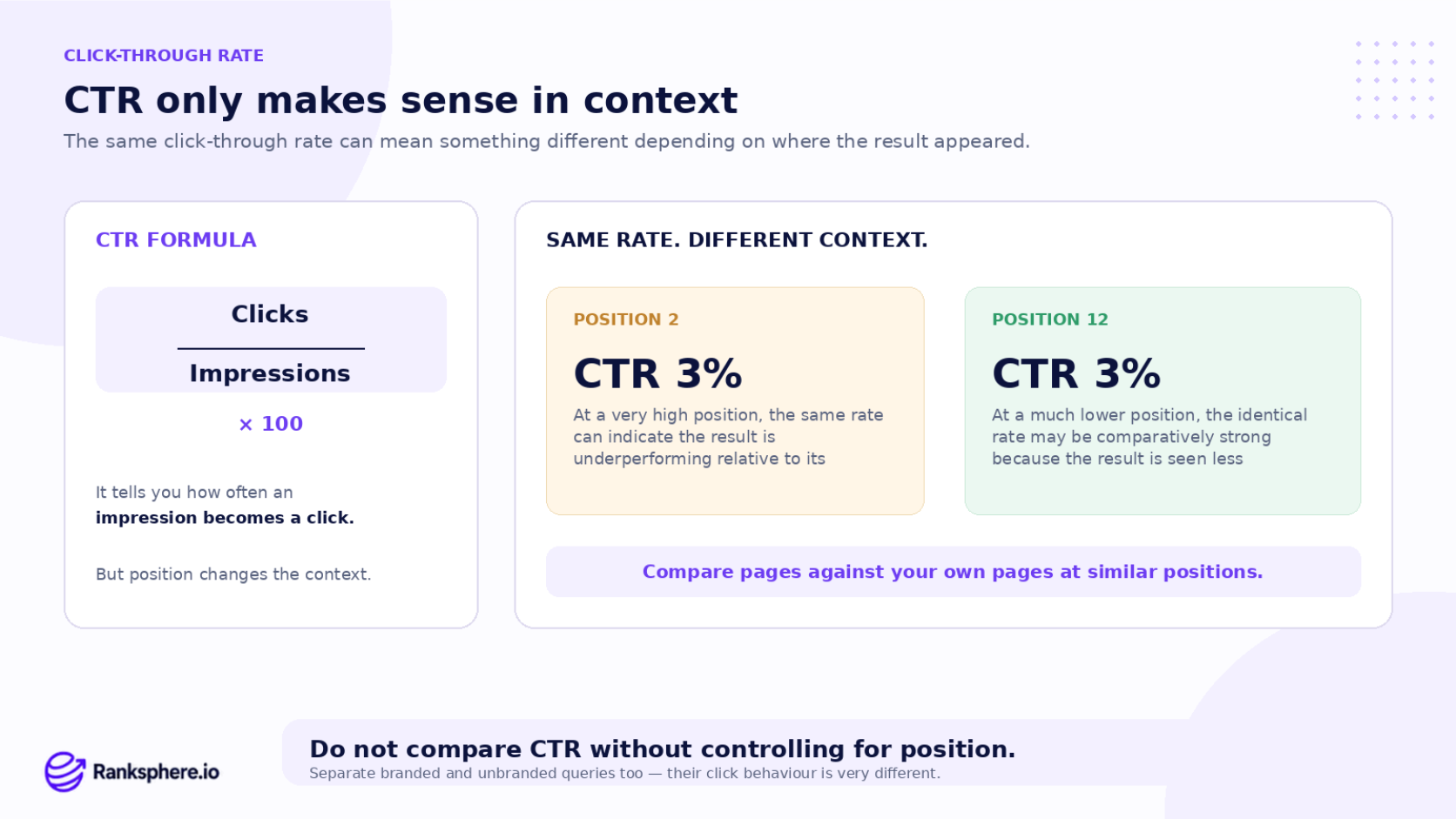
CTR = Clicks ÷ Impressions × 100
For example:
- 2,000 impressions
- 120 clicks
- 6% CTR
The calculation is straightforward, but interpreting the number takes more context.
A 4% CTR can be strong for one query and weak for another depending on ranking position, search intent, brand recognition and what else appears on the results page.
That is why CTR should rarely be judged on its own.
What is a good organic CTR?
There is no single CTR benchmark that applies to every page or keyword.
Click-through rate changes significantly depending on where the result appears.
A page near the top of the results will generally receive more clicks than one appearing much lower down, so comparing the two directly would not be useful.
CTR can also vary by:
- Branded vs unbranded searches
- Informational vs commercial intent
- Desktop vs mobile
- Industry
- SERP layout
- Search features
- Location
- Query type
A branded search for your company name may have a very high CTR because the person is specifically looking for you.
An informational query may have a much lower CTR if Google displays an answer directly in the search results.
For most sites, the best benchmark is often their own historical data.
Compare pages and queries with similar ranking positions, intent and search environments rather than chasing a generic industry percentage.
CTR and average position
CTR and ranking position are closely connected.
A result at position two will normally have a different click opportunity from one at position ten.
That means a CTR number makes more sense when you look at it alongside average position.
When reviewing Google Search Console, look for pages that have:
- Strong impression volume
- Relatively stable positions
- Lower CTR than similar pages or queries
Those are often better candidates for optimisation than pages that barely appear in search at all.
Also remember that Search Console's average position is an average across recorded impressions, not a fixed ranking. Local and personalised search results can vary considerably.
What can lower click-through rate?
Some CTR problems can be improved directly. Others are caused by changes to the search results.
Things you can improve
An unclear title tag
If the title does not explain what the page offers, people may skip it even when it ranks well.
A generic title
Titles such as “Services | Company Name” tell the searcher very little about why the result is relevant.
A weak or missing meta description
Google may generate its own snippet, but a useful meta description can still help explain what the page contains.
Poor search intent alignment
If the searcher wants a guide and your result looks like a sales page, the ranking may generate impressions without many clicks.
See search intent.
A title that gets truncated
Long titles can be shortened in search results, sometimes hiding the most useful part of the message.
There is no fixed character limit, so write concise titles and put the important information early.
Nothing distinguishes the result
If every competing result says almost the same thing, a more specific title can make yours easier to understand.
Things you cannot fully control
CTR can also decline because of the search results around you.
Examples include:
- AI-generated answers
- Featured snippets
- Paid search ads
- Shopping results
- Video results
- A local pack
- Knowledge panels
- Navigational searches dominated by one brand
In these cases, a stable ranking can still produce fewer clicks because users have more options or can find the answer without visiting a website.
How to improve organic CTR
Start with pages that already receive meaningful impressions.
There is little value in rewriting a title for a page Google barely shows.
A practical process is:
- Open the Performance report in Google Search Console
- Review pages and queries with strong impressions
- Compare CTR against similar positions
- Check the live search results
- Look at competing titles and SERP features
- Rewrite the result where there is a clear opportunity
- Monitor performance over a meaningful period
Areas worth improving include:
Title tags
Make the title clear, specific and closely matched to the search intent.
Put the most useful information near the beginning rather than leading with the brand name unless the brand itself is important to the query.
Meta descriptions
Use the description to explain what the page offers and why it may be useful.
Do not simply repeat the title.
Google can rewrite meta descriptions, so treat them as useful guidance rather than guaranteed search-result copy.
Specific information
Where appropriate, include details people genuinely care about, such as:
- Prices
- Service type
- Location
- Timescales
- Availability
- Key differentiators
Only include information that is accurate and supported by the page.
Ranksphere's rank tracker separates pack and organic position, which helps you understand whether a change in organic CTR may be related to local pack visibility rather than the search snippet itself.
CTR in local SEO
Organic CTR is only one part of local search performance.
For many local queries, people may interact with the local pack before they ever reach the standard organic listings.
They might:
- Call a business directly
- Open the Google Business Profile
- Read reviews
- Request directions
- Visit the website from the profile
That means a lower organic CTR does not automatically mean the business is losing local search visibility.
Look at CTR alongside:
- Local pack rankings
- Google Business Profile performance
- Organic position
- Website conversions
- Calls and enquiries
This gives you a much clearer picture of what people are actually doing.
Common CTR mistakes
- Comparing CTR without considering ranking position. A result at position two has a different click opportunity from one at position nine.
- Mixing branded and unbranded searches. Brand queries can make the overall CTR look much stronger than it really is for discovery searches.
- Assuming every low CTR needs a new title. Check SERP features and intent first.
- Writing clickbait titles. More clicks are not useful if the page fails to deliver what the title promised.
- Treating a meta description as guaranteed text. Google may replace it with a snippet from the page.
- Following generic benchmark tables too closely. Your own pages are often a better comparison.
- Ignoring changes to the SERP. A ranking can stay the same while AI features, ads or local results reduce clicks.
- Looking only at sitewide CTR. Query-level and page-level data usually tell you much more.
CTR best practices
- Review high-impression pages regularly. They have the greatest opportunity for additional clicks.
- Compare CTR at similar positions. This makes the analysis more meaningful.
- Separate branded and unbranded searches.
- Match titles closely to search intent.
- Keep titles concise and put important information early.
- Write useful meta descriptions rather than generic sales copy.
- Check the live SERP before making changes.
- Measure before and after changes over comparable periods.
- Monitor ranking position at the same time. A CTR increase means something different if the ranking also moved significantly.
Example
“Ransome & Hale has a page about will writing that receives plenty of impressions in Google Search.
The ranking is reasonably stable, but relatively few people click the result.
When the firm checks how the page appears in search, the issue becomes clearer.
The title reads:
“Wills & Probate Services | Ransome & Hale Solicitors”
It is accurate, but it does not tell the searcher much about the page.
The meta description is also missing, so Google's snippet does not clearly explain the service.
The firm rewrites the title and description to focus more directly on what someone searching for will-writing services needs to know, while keeping the wording accurate to the page.
The page is then monitored in Search Console over the following weeks.
If CTR improves while ranking and impressions remain broadly similar, the business has gained more traffic from visibility it already had.
That is where CTR optimisation is most useful: turning existing search exposure into more qualified visits without assuming that every improvement has to start with a higher ranking.”
See also
- Google Search Console — where organic search CTR is reported
- Impressions — the number of times a result is shown
- Title tag — one of the main elements influencing how an organic result appears
- Meta description — descriptive text Google may use beneath a search result
- Zero-click search — searches completed without a website visit
- Search intent — understanding what the searcher expects from the result