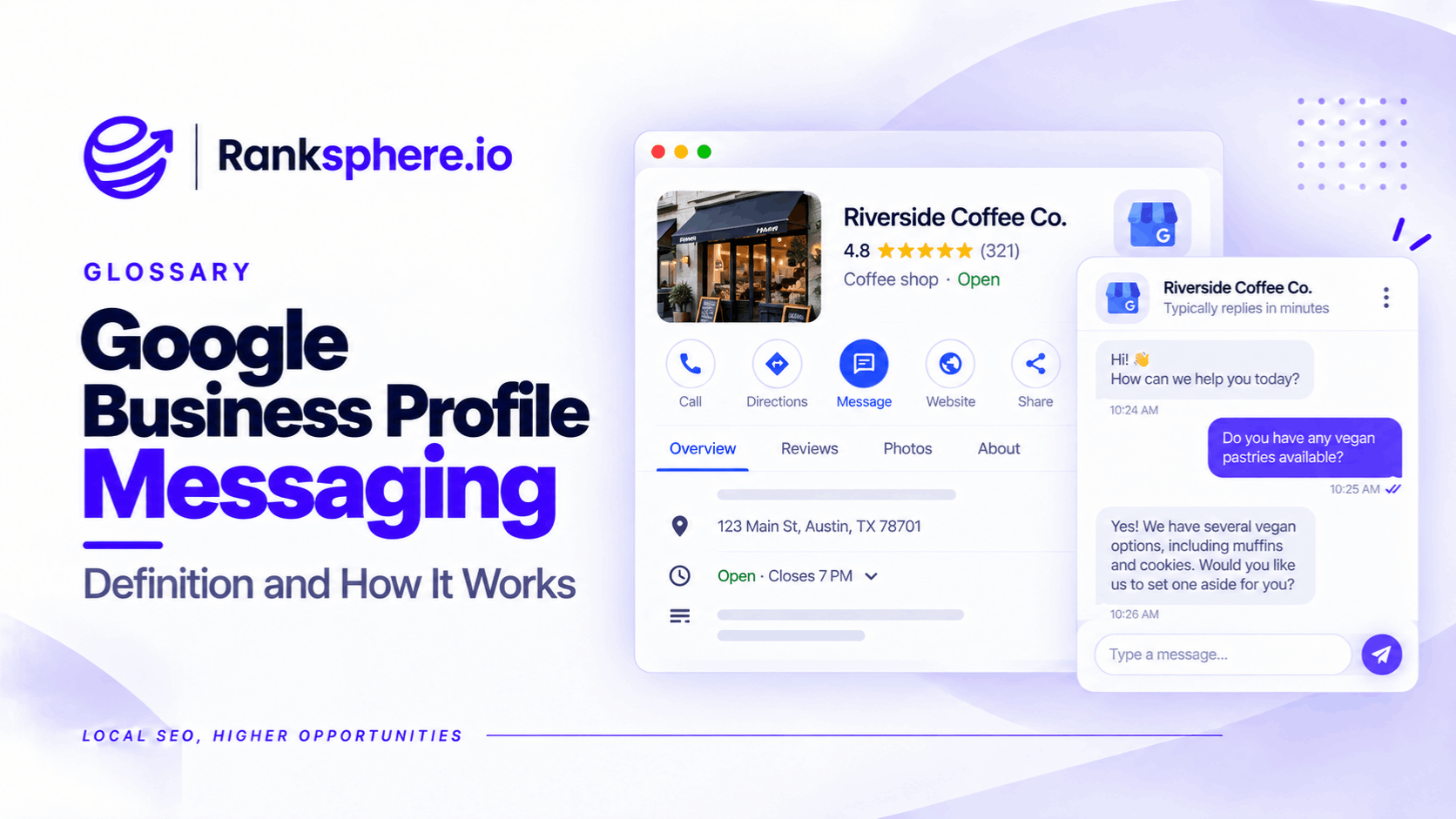
Google Business Profile messaging was a feature that allowed customers to send messages directly to businesses through Google Search and Maps.
Businesses could read and respond to these conversations through Google's messaging interface.
Google discontinued the original Business Profile chat and call history features on July 31, 2024.
However, this doesn't mean every messaging option has disappeared.
Google now allows eligible businesses in supported regions to add WhatsApp or SMS contact options to their profiles.
The distinction matters because the original Google-hosted chat service is gone, but some businesses can still offer messaging through external channels.
For local businesses, the priority is to understand which contact methods are currently available and make it easy for customers to get in touch.
How Did Google Business Profile Messaging Work?
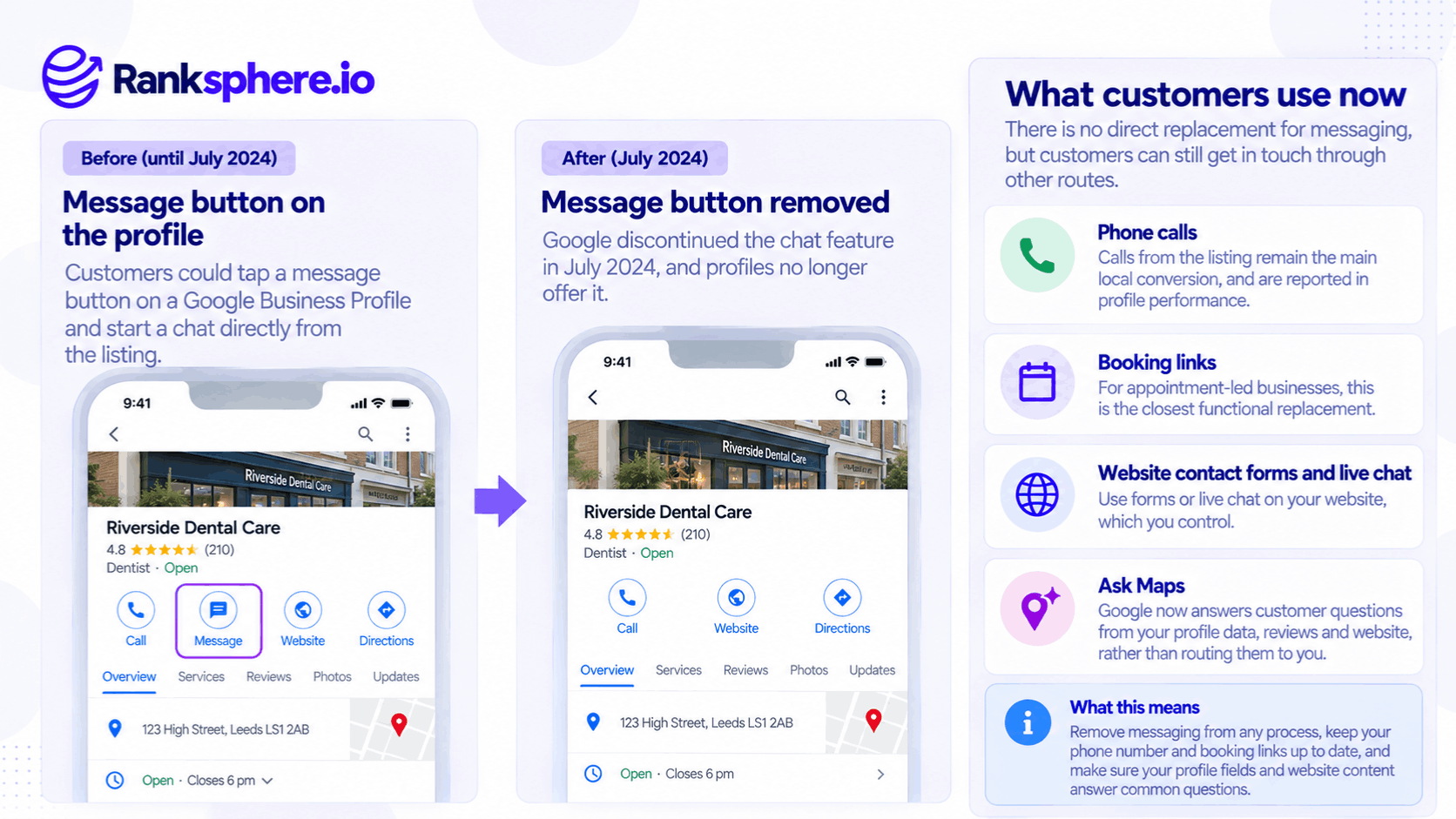
The original messaging feature allowed customers to start conversations directly from a business's listing.
For example, someone searching for a dental practice could use the chat option to ask about appointment availability, treatment costs, or opening hours.
The business could respond without requiring the customer to visit its website.
Google also provided messaging-related features and performance information.
Businesses were encouraged to respond promptly to customer enquiries.
The service was particularly useful for customers who preferred sending a question rather than making a telephone call.
However, the feature depended entirely on Google's platform.
When Google discontinued it, businesses could no longer use that messaging interface to communicate with customers.
When Did Google Business Profile Messaging End?
Google officially discontinued its Business Profile chat and call history features on July 31, 2024.
The changes included the removal of:
- The original Google-hosted messaging service
- Chat-related FAQ functionality
- Business Profile call history
- The former chat-based quote request option
Google notified customers with active conversations about the changes.
Historical chat and call history data was available for export through Google Takeout until August 30, 2024.
The discontinuation didn't remove the ability to receive telephone calls through a Business Profile.
Businesses could still display their contact details and receive customer interactions through supported profile features.
However, call history and call performance metrics are different. Removing the old call history feature didn't mean every call-related performance measurement disappeared.
What Replaced Google Business Profile Messaging?
Google didn't introduce a direct continuation of its original hosted messaging inbox.
Instead, eligible businesses can use other contact methods.
1. WhatsApp and SMS Messaging
Google's current documentation allows claimed and verified Business Profiles in supported regions to add WhatsApp or text messaging options.
Businesses can configure these through the contact settings of their profile.
The general process is:
- Open your Google Business Profile.
- Select Edit profile.
- Go to Contact.
- Find the available chat or messaging settings.
- Choose WhatsApp or text messaging.
- Add the appropriate WhatsApp URL or SMS-capable telephone number.
- Save the changes.
These options aren't available to every business or in every region.
Google also notes that when both messaging options are configured, the text message option may be the one displayed to customers.
Unlike the discontinued feature, these contact methods use external messaging channels rather than Google's old built-in chat service.
2. Phone Calls
Customers can still call businesses directly through supported Google Business Profile interfaces.
For many local service businesses, telephone calls remain an important enquiry channel.
For example, someone with an urgent plumbing problem may prefer calling rather than waiting for a message response.
Businesses can review available call interactions through Google Business Profile performance.
However, a call interaction isn't necessarily a completed telephone conversation or confirmed booking.
3. Booking Links
Appointment-based businesses may benefit from booking links.
For example, a dental practice might direct customers to an online appointment booking page.
Where eligible, businesses may also use Google's supported booking integrations.
Booking options are not a direct replacement for chat because they don't necessarily allow customers to ask questions.
They serve a different purpose: helping customers complete an appointment or reservation.
4. Website Contact Forms and Live Chat
A business can provide its own messaging or contact options through its website.
For example, a solicitor might offer an enquiry form, while a plumbing company could provide a website chat service.
These channels give the business more control over how enquiries are handled.
However, the website must still provide an accessible and reliable contact experience.
What About Ask Maps?
Google has also introduced AI-powered conversational experiences in Maps, including Ask Maps.
These experiences can help users discover information about places and businesses.
However, Ask Maps isn't a replacement for the discontinued business messaging inbox.
A customer asking Google a question about a business isn't necessarily starting a private conversation with that business.
Google may generate responses using available information rather than forwarding the question to the owner.
This makes accurate business information increasingly useful.
However, businesses shouldn't assume Google will answer every customer question correctly or that every answer comes exclusively from their website or profile.
What Should Local Businesses Do Now?
The practical response is to review how customers can contact the business.
Check your available contact options. Make sure the telephone number, website URL, and supported messaging settings are correct.
Enable WhatsApp or SMS where appropriate. If the option is available and the business can respond reliably, it may provide another useful contact route.
Use booking links where relevant. Appointment-based businesses should consider making online booking straightforward.
Keep profile information accurate. Complete the business description, services, hours, and other relevant details.
Answer common questions on the website. Clear service information and FAQs can help customers find answers without needing to contact the business.
Update old internal processes. Remove instructions telling staff to activate or manage the discontinued Google-hosted messaging inbox.
Ranksphere's GBP Management Tool helps businesses manage supported Google Business Profile information.
The goal is to keep information accurate and make current contact methods easy to find, rather than build processes around retired features.
Why This Matters for Local SEO
Google Business Profile messaging illustrates a wider issue with relying on third-party platforms.
A business may build its customer service process around a feature that the platform later changes or removes.
That can affect staff responsibilities, customer expectations, and reporting.
For example, an agency's onboarding checklist might still include enabling Google-hosted chat even though that feature is no longer available.
The business could miss an opportunity to configure newer contact methods because nobody reviewed the checklist.
The same principle applies to other Google Business Profile features, including changes to question-and-answer experiences.
Businesses should distinguish between older Q&A functionality and newer systems such as Ask Maps, rather than assuming the features work identically.
It is also useful to maintain information and customer contact routes that the business controls, including its website and accurate citations.
That doesn't eliminate dependence on Google, but it reduces the risk of relying on one disappearing feature.
Common Google Business Profile Messaging Mistakes
- Assuming the old chat inbox still exists. Google discontinued it in July 2024.
- Assuming all messaging options disappeared. WhatsApp and SMS are available to eligible businesses in supported regions.
- Following outdated setup guides. Instructions written before the discontinuation may no longer apply.
- Confusing call history with call metrics. These are different features.
- Ignoring current contact details. An incorrect number or booking link can prevent customers from contacting the business.
- Treating Ask Maps as a customer messaging inbox. AI-generated answers aren't private conversations with the business.
- Failing to review onboarding checklists. Retired features can remain in agency processes for years.
Best Practices
Review the contact methods currently available on each Google Business Profile.
Use WhatsApp or SMS where supported and appropriate, and ensure someone is responsible for responding.
Keep telephone numbers and booking links accurate.
Maintain clear answers to common customer questions on the website.
Check Google's official documentation before adding profile features to an agency service or onboarding checklist.
Review those checklists regularly so they reflect the current product rather than an earlier version.
Example of an Outdated Google Business Profile Checklist
Consider a hypothetical SEO agency onboarding a dental practice.
The agency uses a checklist created in 2023.
One task instructs the account manager to enable Google Business Profile messaging and establish a response-time target.
However, when the account manager opens the practice's profile, the original chat feature is missing.
What the Agency Discovers
The checklist hasn't been updated since Google discontinued the feature in 2024.
It also contains other instructions based on older Google Business Profile interfaces.
The team has been skipping unavailable steps instead of reporting that the process needs updating.
What the Agency Changes
The agency reviews the current Google Business Profile documentation.
It removes the retired chat setup instructions and replaces them with checks for available contact methods.
These include telephone numbers, appointment booking links, website contact options, and WhatsApp or SMS where eligible.
It also adds a review date and assigns responsibility for maintaining the checklist.
Example
“The underlying problem wasn't simply that Google removed a feature.
The agency had continued relying on outdated instructions without checking whether they still applied.
Updating its process made the work clearer for staff and more useful to the client.
Google Business Profile messaging hasn't disappeared in every form, but the original Google-hosted chat service is gone.
Local businesses should focus on the contact options currently supported, maintain accurate profile information, and regularly review their processes as Google changes its products.”
See Also
- Ask Maps — AI-powered questions and discovery in Google Maps.
- Google Business Profile — The wider platform for managing business information in Google Search and Maps.
- Booking Links — Helping customers arrange appointments and reservations.
- Google Business Profile Performance — Measuring supported customer interactions.
- Google Business Profile Services — Describing the services available at a business.
- Client Onboarding — Establishing accurate setup and management processes.