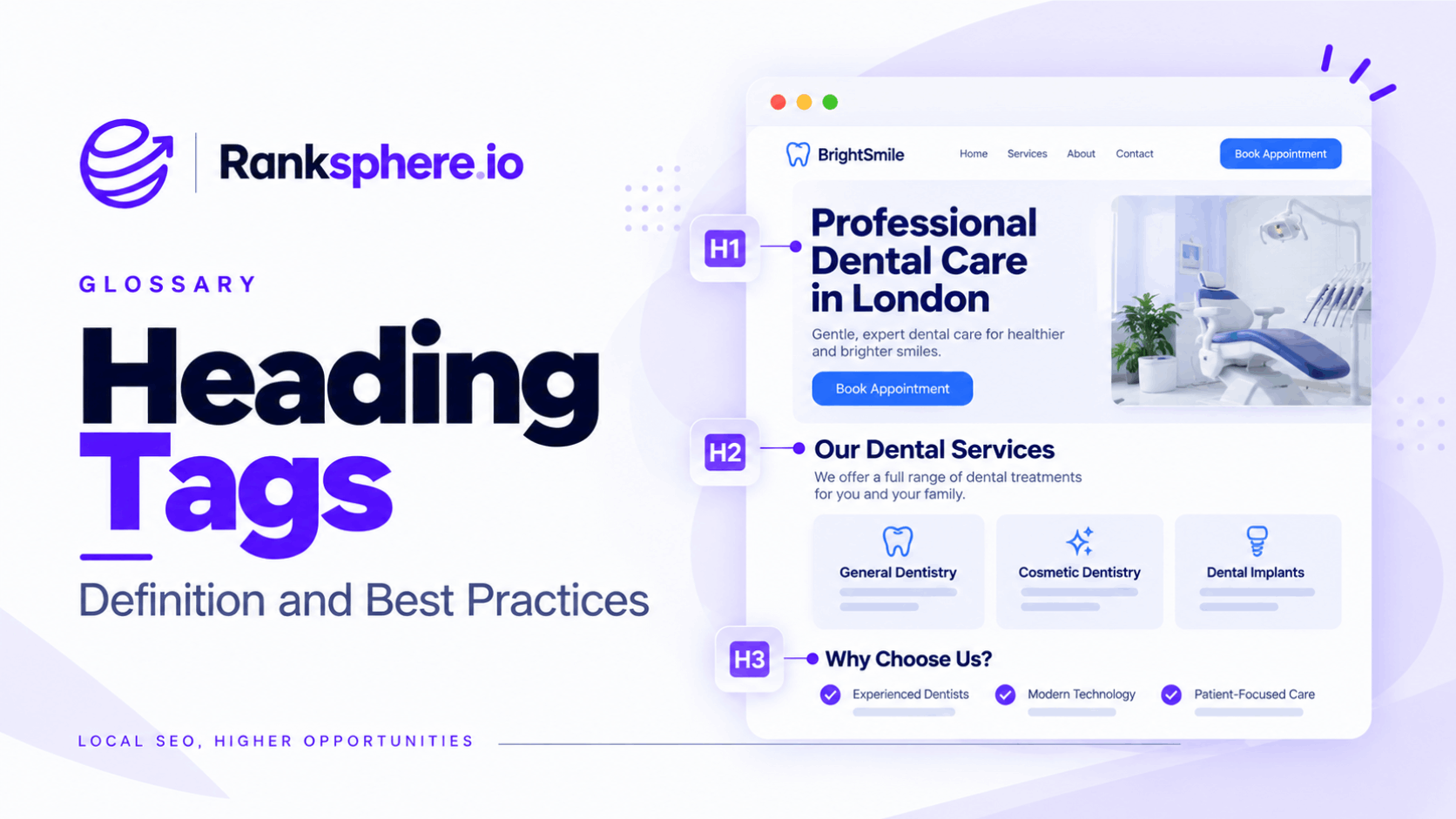
Heading tags are HTML elements used to organise the headings and subheadings on a webpage. They range from <h1> to <h6>, with the H1 normally representing the main page heading and lower levels used to divide the content into sections and subsections.
Their main purpose is structure.
Good headings make a page easier to scan, help people understand how the content is organised and provide useful context for search engines and assistive technologies.
They are important for SEO, but they should not be treated as a shortcut to higher rankings. A perfectly structured set of headings cannot compensate for weak content or poor search intent alignment.
Why heading tags matter
Heading tags make long pages easier to understand.
Most people do not read a webpage from beginning to end. They scan headings first, find the section that looks relevant and then decide what to read in detail.
Heading structure can also help people using screen readers navigate through a page more efficiently.
For search engines, headings provide additional context around the subject of the page and the relationship between different sections.
They can help:
- Break complex content into clear sections
- Make pages easier to scan
- Create a logical content hierarchy
- Support navigation for assistive technology
- Clarify what individual sections are about
- Help search engines interpret the structure of the content
Headings are useful signals, but they are only one part of on-page optimisation.
A title tag, page content, internal links and overall relevance all work alongside them.
How heading hierarchy works
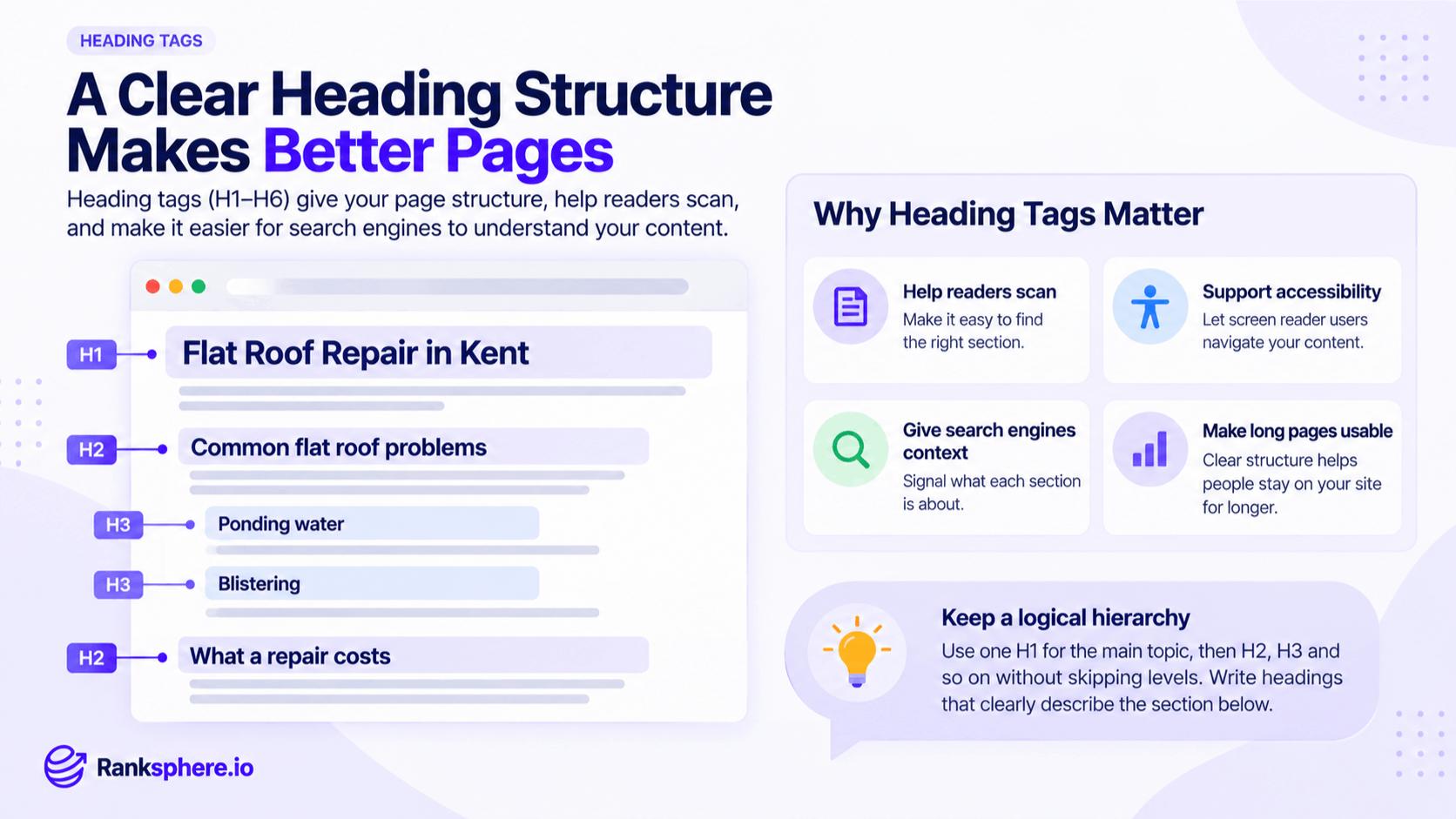
Heading tags create a hierarchy similar to the outline of a document.
For example:
<h1>Flat Roof Repair in Kent</h1>
<h2>Common Flat Roof Problems</h2>
<h3>Ponding Water</h3>
<h3>Blistering</h3>
<h2>How Much Does Flat Roof Repair Cost?</h2>
The H1 introduces the main subject.
The H2 headings divide that subject into major sections.
The H3 headings sit underneath the relevant H2 and cover more specific points.
This structure makes the relationship between sections easier to understand.
Should heading levels always be in order?
As a general rule, use heading levels logically and avoid unnecessary jumps.
For example:
H1 → H2 → H3
is normally clearer than:
H1 → H2 → H4
Skipping a level does not automatically make a page unusable or create an SEO problem, but a consistent hierarchy is easier for people and assistive technologies to follow.
The important thing is that the heading level reflects the structure of the content rather than the visual size you want.
If an H3 looks too small, change its appearance with CSS rather than replacing it with an H2 purely for styling.
What is an H1 tag?
The H1 tag is usually the main visible heading on a page.
It should make the overall subject immediately clear.
For example:
<h1>Emergency Plumbing Services in Leeds</h1>
A visitor landing on the page should be able to read the H1 and understand what the page covers.
The H1 does not need to contain every variation of the target keyword.
Keep it clear, specific and natural.
Can a page have more than one H1?
Modern HTML can technically support more than one H1, and multiple H1 tags do not automatically cause an SEO problem.
However, using one clear H1 for the main page topic remains the simplest and clearest approach for most websites.
It gives the page an obvious top-level heading and makes the structure easier to follow.
There is rarely a practical SEO reason to add multiple H1 tags simply because you can.
Should the H1 match the title tag?
The H1 and title tag do not need to be identical.
They serve slightly different purposes.
The title tag helps describe the page in search results, while the H1 introduces the content once someone arrives.
For example:
Title tag: Emergency Plumber in Leeds | 24/7 Callouts
H1: Emergency Plumbing Services in Leeds
They describe the same page but are written for different contexts.
The important thing is consistency.
If the title promises emergency plumbing in Leeds but the H1 introduces general home maintenance, something is wrong.
How to write good SEO headings
Good headings should tell the reader what the following section contains.
Avoid vague headings when something more specific would be useful.
For example:
Less useful: More Information
Better: How Much Does Flat Roof Repair Cost?
The second version tells the visitor exactly what they will find underneath it.
Good headings should:
- Describe the section clearly
- Follow a logical hierarchy
- Use natural language
- Include relevant terms where appropriate
- Help readers move quickly through the page
- Make sense even when scanned on their own
If someone looked only at the headings, they should still have a reasonable idea of what the page covers.
Should keywords be used in heading tags?
Keywords can appear in headings when they naturally describe the section.
There is no need to place the primary keyword in every H2 or H3.
For example, a page about boiler servicing might contain headings such as:
- What Does a Boiler Service Include?
- How Often Should You Service a Boiler?
- Signs Your Boiler Needs Checking
- How Much Does Boiler Servicing Cost?
These headings naturally contain related terms without repeating “boiler servicing” mechanically in every section.
Use headings to organise the subject, not to reach a keyword count.
Question-based headings
Question headings can work particularly well for informational content.
They match the way people naturally think and search.
Examples include:
- How Long Does a Boiler Last?
- What Causes Low Water Pressure?
- How Much Does Roof Repair Cost?
- When Should You Replace a Flat Roof?
When a section answers a clear question, place the answer close to the heading rather than forcing readers to work through several paragraphs before reaching it.
This structure can make content easier for users and search engines to interpret.
Clear question-and-answer formatting may also make sections suitable for search features such as featured snippets, although there is no guarantee that Google will use them.
Heading tags and accessibility
Heading structure is not only an SEO consideration.
For people using screen readers and other assistive technologies, headings can provide a quick way to understand a page and move between sections.
A page with descriptive, logically ordered headings is generally easier to navigate than one built from generic headings or styled text that only looks like a heading.
For example, this may look like a heading visually:
<div class="large-text">Pricing</div>
but it does not provide the same semantic structure as:
<h2>Pricing</h2>
Use HTML heading elements for structure and CSS for appearance.
Heading tags and on-page SEO
Heading tags should support the wider on-page SEO strategy rather than being optimised in isolation.
Before worrying about whether an H2 contains the exact keyword, ask:
- Does the page answer the intended query?
- Is the content easy to navigate?
- Do the headings accurately describe each section?
- Are related topics organised logically?
- Can visitors find important information quickly?
The structure should follow the content.
Do not create unnecessary headings merely to insert more keywords.
Ranksphere's website audit flags missing H1s and broken heading hierarchy across a site, helping you identify template and structural issues that can otherwise be repeated across dozens or hundreds of pages.
Common heading tag mistakes
- Using headings only for visual styling. Choose the correct semantic heading and control its appearance with CSS.
- Using vague headings. Labels such as “More” or “Information” give readers little context.
- Having no clear H1. Every important page should make its main subject obvious.
- Stuffing keywords into every heading. Repetition makes content harder to read without providing a meaningful SEO benefit.
- Using the same heading repeatedly. Several sections called “Our Services” provide very little information.
- Creating headings for tiny pieces of text. Not every paragraph needs its own heading.
- Making the H1 and title describe different topics. They can use different wording, but the meaning should align.
- Changing heading levels to get a particular font size. Structure belongs in HTML; visual styling belongs in CSS.
- Treating heading hierarchy as a ranking trick. Its main value is clarity and organisation.
Heading tag best practices
- Use one clear H1 as the default for most pages.
- Make the H1 describe the overall subject.
- Use H2s for major sections and H3s for subsections.
- Keep heading hierarchy logical and consistent.
- Write headings that explain what comes next.
- Use keywords where they fit naturally.
- Use question headings when the section answers a real question.
- Put useful answers close to the relevant heading.
- Use CSS for visual styling rather than changing heading levels.
- Check heading structure on templates as well as individual pages.
Example
“Calder Financial has a pension advice page with several visible section headings.
The page looks fine to someone browsing it visually, but the underlying HTML tells a different story.
The main page title is built as a styled <div> rather than an H1. Major sections use H2 tags, while their subsections jump directly to H4 because the site's H3 styling was considered
too large.
The result is an unnecessarily confusing document structure.
The fix does not require rewriting the content.
The page title is changed to a genuine H1, the subsection headings become H3s and CSS is updated so they retain the desired visual appearance.
To visitors looking at the page, almost nothing changes.
Underneath, the structure is now much clearer.
The team also replaces vague headings with more useful ones. Instead of:
Pension Information
one section becomes:
When Can You Start Taking Money From a Pension?
The page is easier to scan, easier to navigate and clearer about what each section contains.
That is the real purpose of heading tags: giving content a structure that makes sense to the people and systems trying to understand it.”
See also
- Title tag — the title commonly used for the page in search results
- On-page SEO — the wider process of optimising webpage content and structure
- Featured snippet — a search-result format that may use concise answers from a page
- Alt text — another area where accessibility and SEO overlap
- Semantic HTML — using HTML elements according to their meaning and purpose
- Table of contents — navigation that can be built from a well-structured heading hierarchy