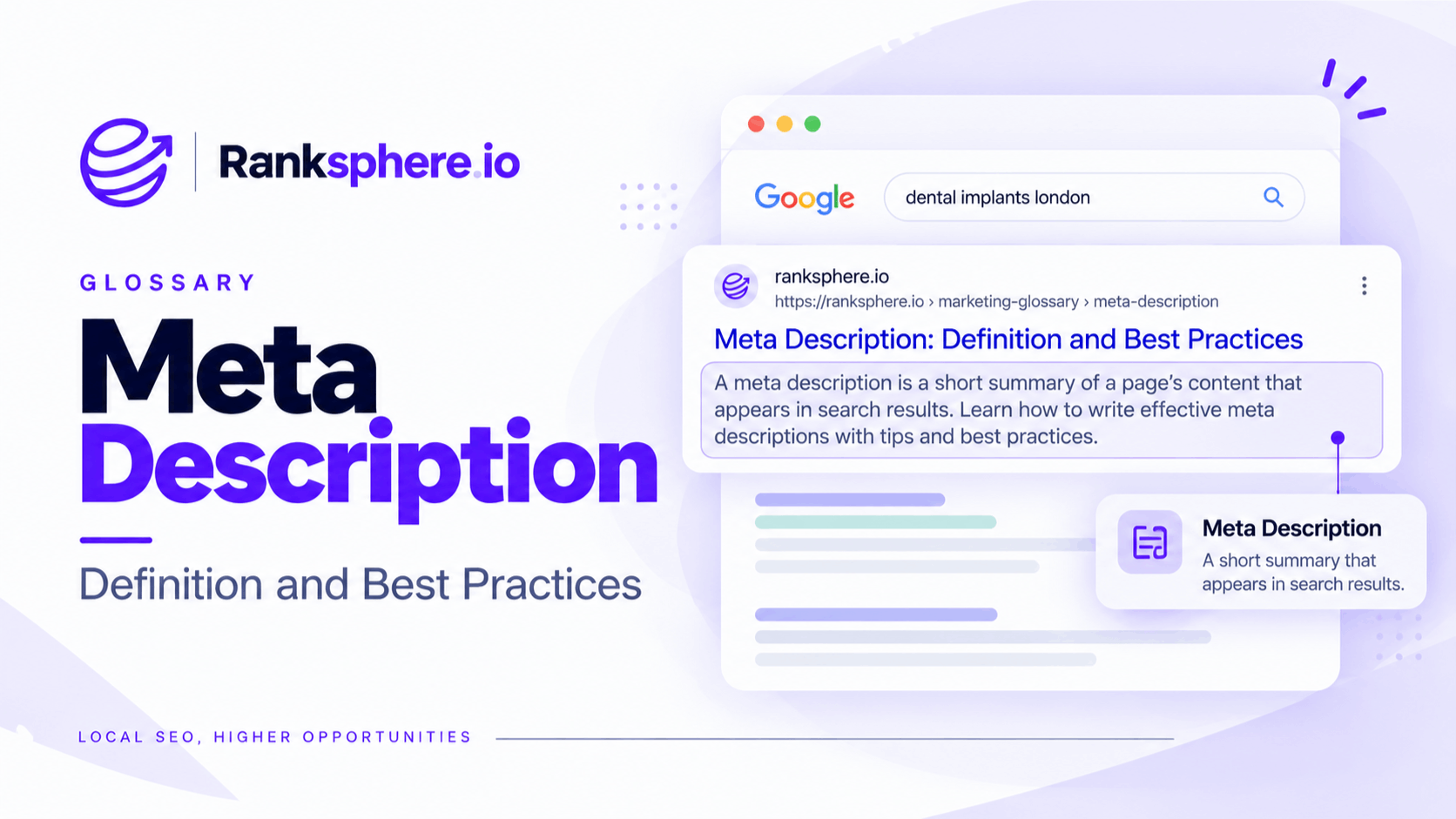
A meta description is an HTML attribute that summarises the content of a webpage. Google may use it as the descriptive text shown beneath the title in search results.
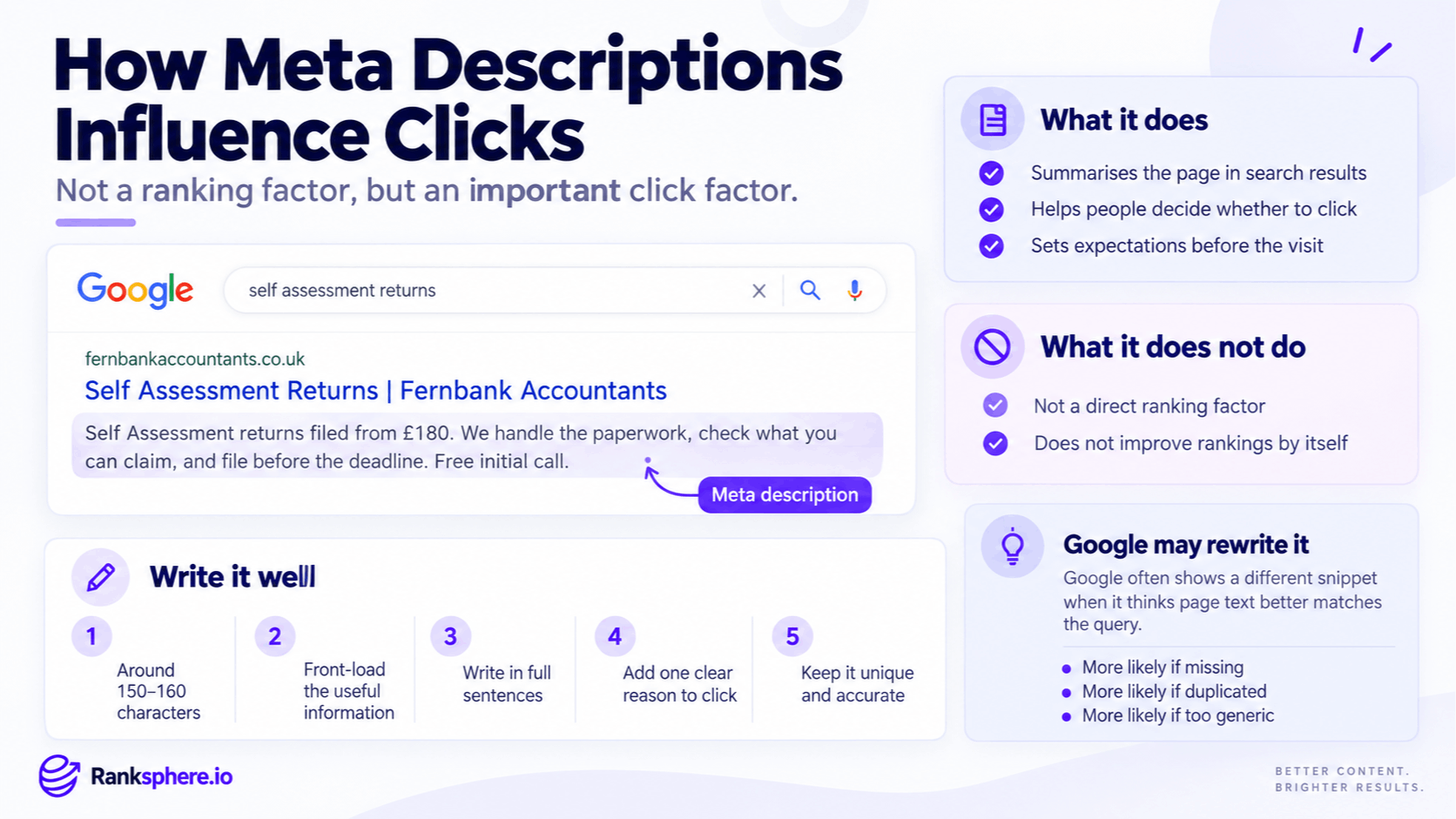
Meta descriptions are not a direct Google ranking factor, but they can still play an important role in SEO because they help searchers decide whether your page is worth clicking.
That distinction matters.
A well-written meta description will not push a page higher in the rankings by itself. But if the page already receives impressions, clearer search-result copy can help turn more of that visibility into traffic.
Google may also generate its own snippet from the page when it believes another section better matches the search query. That means the meta description is best treated as a strong suggestion rather than guaranteed search-result text.
Why meta descriptions matter
Meta descriptions sit in one of the most important parts of the search result: directly beneath the title.
That space gives you an opportunity to explain what the page offers before someone clicks.
A useful description can help a searcher understand:
- What the page covers
- Whether it matches their search
- What they will find after clicking
- What makes the page or service relevant
This can influence click-through rate, particularly on pages that already receive meaningful search visibility.
Leaving the description blank does not prevent the page from ranking. Google can create a snippet from the page content.
The problem is that the generated text may not always highlight the information you would choose yourself.
Writing a strong description gives Google a useful option and gives you more control when that description is used.
What does a meta description look like?
A meta description appears inside the <head> section of the page.
<meta
name="description"
content="Flat roof repair and replacement across Kent. Free survey, fixed quotes and a 20-year guarantee."
>
Visitors do not see this text as part of the normal page content.
Search engines can use it when creating the snippet beneath the title in search results.
For example:
Flat Roof Repair in Kent | Free Roof Survey Flat roof repair and replacement across Kent. Free survey, fixed quotes and a 20-year guarantee.
The title attracts attention, while the description gives the searcher more information about what the page offers.
How long should a meta description be?
There is no fixed Google character limit for meta descriptions.
Search snippets are displayed according to the available space, which can vary by device, query and search-result layout.
As a practical writing guide, many SEO teams aim for roughly 150 to 160 characters on desktop, but this should not be treated as a strict rule.
The better approach is to:
- Put the most useful information early
- Keep the description concise
- Avoid unnecessary filler
- Make the meaning clear even if the end is shortened
For example:
Boiler servicing in Bristol from £95. Gas Safe engineers, clear pricing and flexible appointments. Book your service online.
The description communicates the service, location, price and next step quickly.
How to write a good meta description
A strong SEO meta description should explain the page naturally rather than trying to squeeze in as many keywords as possible.
Describe what the page actually offers
Make the subject obvious.
A description for a roof repair page should talk about roof repair, not vague promises such as:
“Quality solutions from a team you can trust.”
That could describe almost any business.
Specific wording is much more useful.
Match the search intent
The description should reflect what the searcher expects to find.
If the page is informational, explain what they will learn.
If it is a service page, explain the service and any useful details around availability, pricing or location.
See search intent.
Give people a reason to choose the result
Where it is genuinely relevant, include useful information such as:
- Price or starting price
- Location
- Availability
- Timescale
- Free consultation
- Delivery options
- Guarantee
- Experience or specialisation
Do not invent differentiators just to increase clicks.
Anything promised in the description should be supported by the page.
Use the primary topic naturally
Including the main topic in the description can make the result feel more relevant to the searcher.
There is no need to repeat it several times.
For a page targeting boiler repair, something like this is enough:
Boiler repair in Leeds with same-day appointments available. Get clear pricing and help from experienced heating engineers.
Natural language is more useful than:
Boiler Repair Leeds | Leeds Boiler Repair | Best Boiler Repair Leeds
Meta descriptions and keywords
Keywords inside a meta description do not directly make the page rank higher.
That does not mean keywords should be avoided.
Using language that closely matches the searcher's query can make the snippet easier to understand and more relevant.
The right approach is simple:
Write a natural description of the page using the same language a customer is likely to use.
Do not treat the meta description as another keyword-stuffing field.
Why Google rewrites meta descriptions
Google does not always display the meta description you provide.
It may create a different search snippet from the content on the page if that text appears more relevant to the specific query.
For example, the same page might rank for:
“how long does a flat roof last”
and:
“flat roof replacement Kent”
One generic meta description may not be the best answer for both searches.
Google may therefore select a relevant section of the page for one of those queries.
Descriptions may also be replaced when they are:
- Missing
- Very generic
- Duplicated across many pages
- Poorly matched to the query
- Overly promotional
- Keyword-stuffed
- Unhelpful as a summary of the page
You cannot force Google to display a particular description.
Your job is to write a useful summary and make sure the page itself contains clear, relevant information that Google can use when generating alternative snippets.
Ranksphere's website audit flags missing and duplicate meta descriptions, helping you find pages where metadata may need attention.
Meta descriptions and click-through rate
Meta descriptions are most valuable on pages that already receive search impressions.
If a page appears regularly in Google but attracts relatively few clicks, the title and description are worth reviewing.
Use Google Search Console to look for pages with:
- High impressions
- Reasonably stable rankings
- Low CTR compared with similar pages
- Important commercial queries
Then check the live search results.
A low click-through rate does not always mean the description is poor. Ads, local results, AI features and ranking position can all affect clicks.
But when the snippet itself is vague or unhelpful, improving it is a sensible place to start.
Meta descriptions for local SEO
Local service pages benefit from descriptions that quickly establish what the business does and where it operates.
For example:
Emergency electrician in Manchester with 24/7 callouts. Help with power faults, tripped circuits and urgent electrical repairs.
Or:
Private dental implants in Bristol with consultations available. Learn about treatment, costs, suitability and the next steps.
Useful local meta descriptions may include:
- Service
- Location
- Availability
- Pricing
- Booking options
- Relevant differentiators
Avoid stuffing several towns or cities into one description simply to target more searches.
The copy should still read naturally.
Should every page have a meta description?
Not every URL on a large website needs to be manually written with the same level of attention.
Prioritise pages that matter.
These usually include:
- Homepage
- Main service pages
- Product and category pages
- Important location pages
- High-traffic articles
- Pages with strong impressions
- Commercial landing pages
On very large websites, it can be more practical to prioritise high-value pages rather than manually writing thousands of low-priority descriptions.
The goal is useful search snippets, not simply filling every metadata field because an SEO checklist says so.
Common meta description mistakes
- Leaving important descriptions blank. Google can generate a snippet, but you lose the opportunity to provide your preferred summary.
- Using the same description across multiple pages. Each important page should explain its own purpose.
- Keyword stuffing. Repetition provides no direct ranking benefit and makes the result less appealing.
- Using generic marketing language. “Quality service you can trust” tells the searcher very little.
- Writing only to a character count. Clarity matters more than hitting an exact number.
- Making unsupported promises. A click gained through misleading copy is not useful.
- Treating the description as a ranking factor. Its main SEO value is in helping communicate relevance and encourage clicks.
- Ignoring search intent. The description should match what the person is looking for.
- Rewriting descriptions without checking the SERP first. A low CTR may be caused by ranking position or search features rather than the snippet.
Meta description best practices
- Write clear descriptions for commercially important pages.
- Keep the most useful information near the beginning.
- Aim for concise copy rather than a rigid character limit.
- Describe what the visitor will actually find.
- Use the primary topic naturally.
- Match the wording to the search intent.
- Include useful specifics where the page supports them.
- Keep important descriptions unique.
- Avoid generic sales language and keyword lists.
- Prioritise high-impression, low-CTR pages when looking for optimisation opportunities.
Example
“Fernbank Accountants reviews its website and discovers that many important pages either have no meta description or use the same generic template:
Fernbank Accountants — chartered accountants serving businesses since 1987.
The wording is accurate, but it tells someone searching for self-assessment help very little about the page.
The self-assessment page is rewritten with a more useful description:
Self assessment returns from £180. Get help checking allowable expenses, completing your return and filing it before the deadline.
The new version is specific to the service and explains what a potential client will find after clicking.
Rather than rewriting hundreds of descriptions immediately, the firm starts with its highest-impression commercial pages and monitors CTR in Search Console.
That is the best use of meta description optimisation: making important search results clearer and more useful to the people who already see them.”
See also
- Title tag — the headline that appears above the search snippet
- Click-through rate — the percentage of impressions that become clicks
- On-page SEO — the wider process of optimising individual webpages
- Google Search Console — where high-impression, low-CTR pages can be identified
- Search intent — what the description should reflect
- Featured snippet — a separate search-result feature that answers a query directly