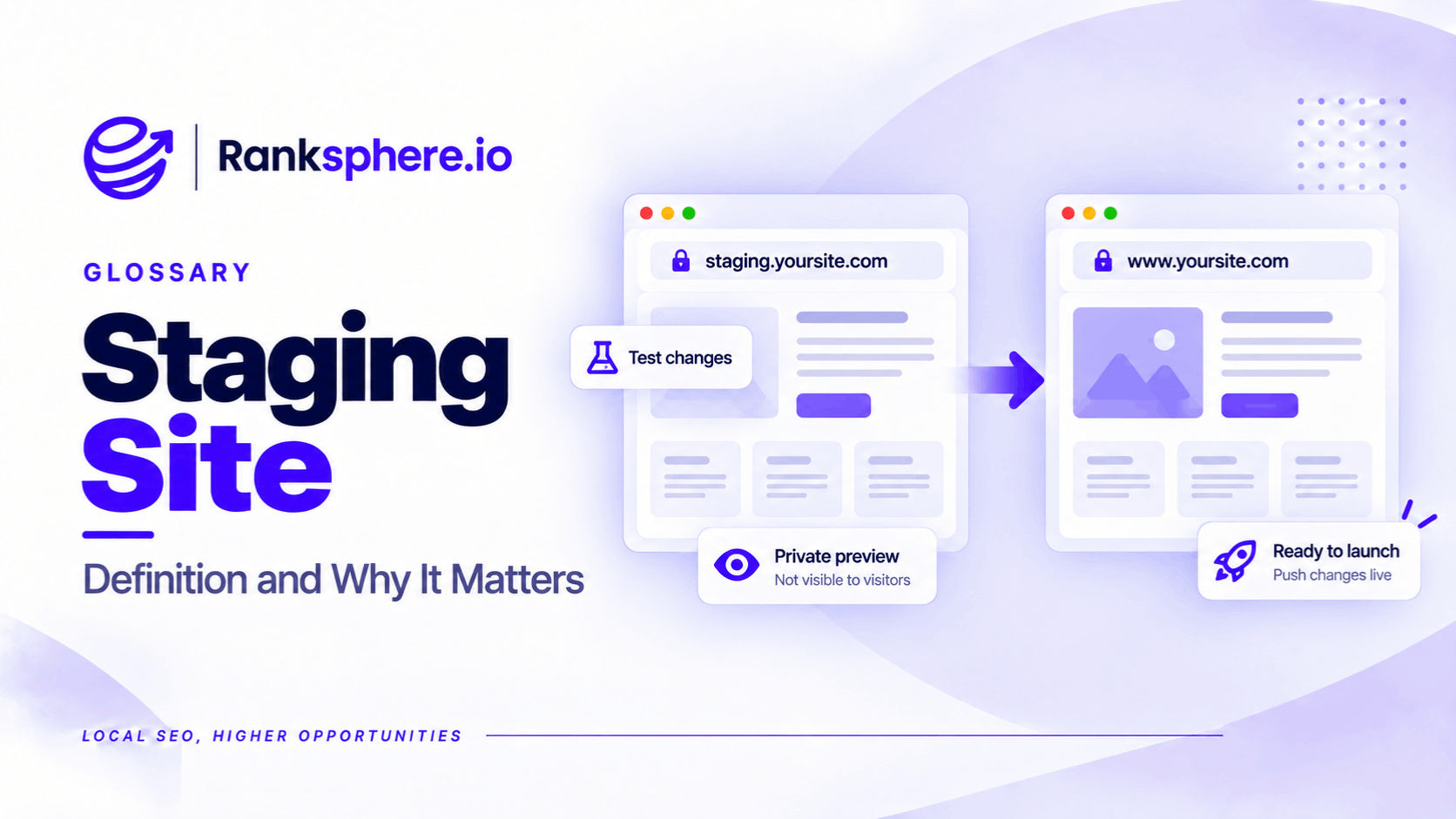
A staging site is a separate version of a website used to test changes before they go live.
Developers use staging environments to check website redesigns, plugin updates, new pages and technical changes without affecting the live website.
A staging site might look identical to the public website, but it isn't intended for customers or search engines.
For SEO, two problems are particularly important.
The first is allowing Google to discover and index staging pages, creating a second version of content that should appear only on the live website.
The second is accidentally transferring staging restrictions to production, preventing Google from crawling or indexing important pages.
The most important staging site SEO precaution is to protect the test environment without accidentally blocking the live website.
Why Should a Staging Site Be Hidden From Google?
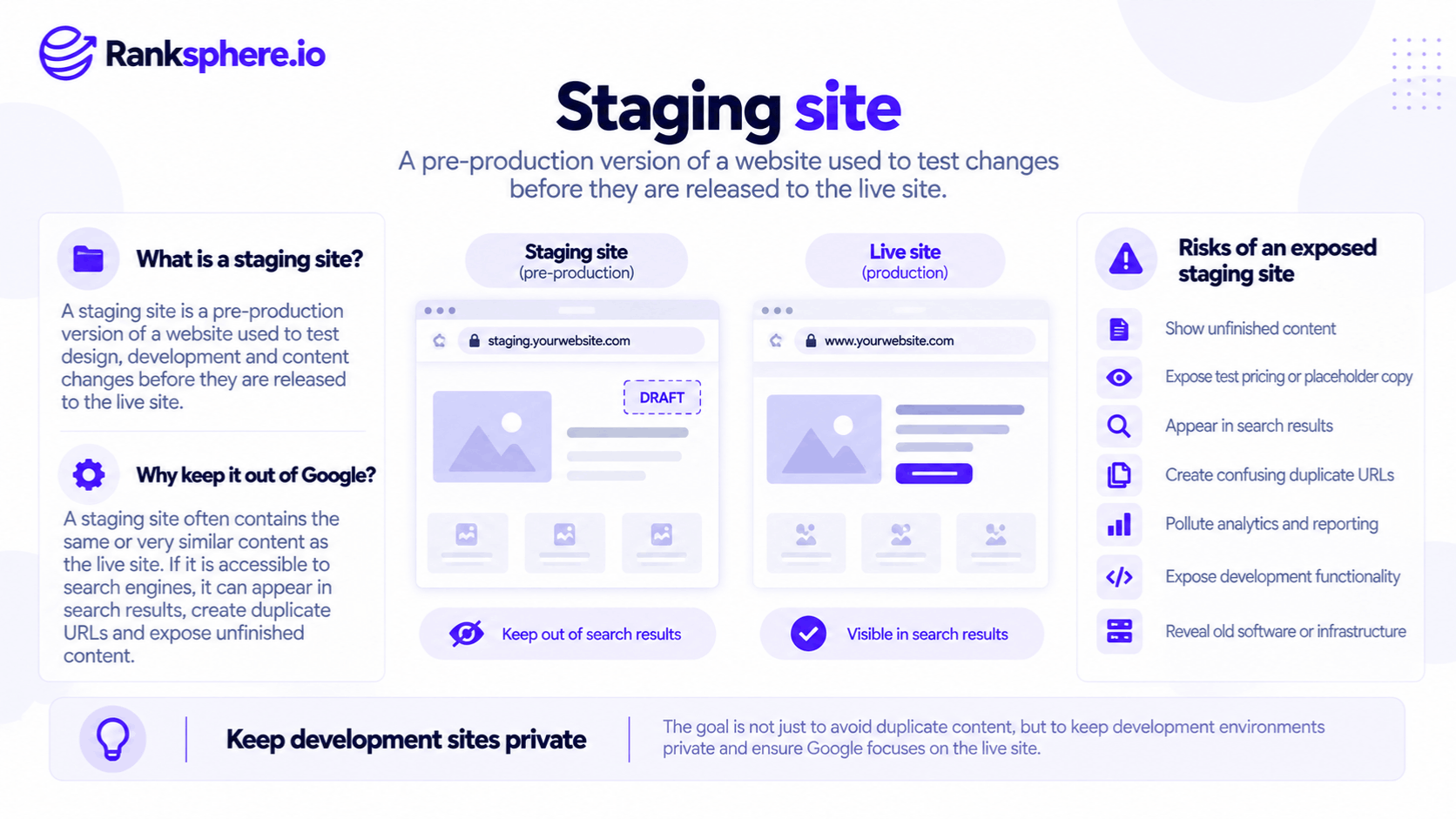
A staging environment often contains copies of existing webpages.
If Google can access and index those pages, they may appear in search results alongside the live versions.
This can create duplicate content across different URLs.
Google generally tries to identify the most representative version of duplicate content rather than ranking every copy separately. Duplicate content doesn't automatically cause a penalty, but an indexed staging site can still create confusion.
It can also expose information that wasn't intended to be public, including unfinished pages, test prices, internal notes and placeholder content.
The concern is therefore broader than rankings.
A staging environment should generally be treated as a private development resource.
How to Prevent Google From Indexing a Staging Site
There are several ways to restrict access or indexing, but they aren't equally effective.
1. Password-Protect the Staging Site
Server-level authentication is generally the preferred option.
A username and password prevent unauthorised visitors and crawlers from accessing the website's content.
For example, a developer might configure HTTP authentication on:
staging.example.com
Anyone attempting to open the staging site must provide valid credentials.
This prevents Googlebot from retrieving the protected content and also helps keep unfinished information private.
However, authentication must be configured separately for staging and production.
Accidentally deploying authentication restrictions to the live website is still a serious availability problem, even if it is more immediately noticeable than a hidden indexing directive.
2. Restrict Access by IP Address
IP allowlisting permits access only from approved addresses.
For example, an agency might allow employees to access staging through its office network or a secured VPN.
This can work well for teams with controlled access.
However, it may be inconvenient when developers or clients regularly connect from different locations.
3. Apply a Noindex Directive
A noindex directive tells supported search engines not to include a page in their search index.
For example:
<meta name="robots" content="noindex">It can also be implemented through an X-Robots-Tag HTTP response header.
Google must be able to crawl the page to discover the instruction.
However, noindex doesn't prevent people from visiting staging. It is an indexing control, not a security measure.
It also creates a launch risk if the same directive is accidentally published on the live website.
4. Block Crawling Through Robots.txt
A robots.txt file can instruct compliant search engine crawlers not to access the staging site.
For example:
User-agent: *
Disallow: /
This tells compliant crawlers not to crawl any path covered by the rule.
However, robots.txt is not a reliable way to prevent a URL from appearing in Google Search.
Google may still discover a blocked URL through external links and display the URL without crawling its contents.
Robots.txt also doesn't stop ordinary visitors from opening the website.
For staging environments, authentication is therefore preferable to relying on robots.txt alone.
The Biggest Staging Site SEO Risk During Launch
A particularly damaging mistake occurs when staging restrictions are copied to the production website.
For example, developers might use noindex while testing a redesign.
The new website is then published without removing that directive.
Everything looks normal to visitors.
Pages load, forms work and navigation appears correct.
But when Google crawls the pages, it sees instructions not to index them.
Over time, affected pages can disappear from search results.
A similar problem occurs when production receives a robots.txt file containing:
User-agent: *
Disallow: /
This blocks compliant crawlers from accessing the site.
However, an important distinction applies: a robots.txt block doesn't automatically remove every previously indexed page. Google may continue displaying known URLs without refreshed content.
Both mistakes can seriously affect organic visibility, but their effects and recovery processes differ.
What to Check Before Launching a Website
A website launch checklist should include specific SEO checks rather than relying on visual testing alone.
Check Robots.txt
Open the live domain's robots.txt file.
For example:
https://example.com/robots.txt
Confirm that important webpages aren't accidentally blocked.
Check Noindex Directives
Inspect important page templates for noindex instructions.
Remember that indexing directives can appear in HTML or HTTP response headers.
Verify Production Access
Confirm that the live website doesn't require staging credentials and isn't restricted to development IP addresses.
Check Google Search Console
Use URL Inspection in Google Search Console to check whether Google can access and index important pages.
Live testing can help identify current crawling or indexing restrictions.
Monitor the Website After Launch
Check indexing reports and organic search performance after publication.
This is especially important during a site migration, when redirects, URLs and indexing settings may all change.
Ranksphere's Website Audit Tool helps identify technical SEO issues, including crawling and indexing restrictions.
However, automated audits should support rather than replace direct testing of the live environment.
Other Staging Site Best Practices
Keep staging separate from production, preferably using a dedicated subdomain or another properly isolated environment.
Avoid linking to staging from public webpages or including staging URLs in production XML sitemaps.
Prevent test activity from contaminating production analytics and advertising data.
Don't expose real customer information unnecessarily. Use anonymised or synthetic data where practical, and apply appropriate access controls.
Finally, review old staging environments.
A forgotten testing site can contain outdated software, exposed information and security vulnerabilities.
Remove environments that are no longer needed, or keep them secured and maintained if they must remain available.
Common Staging Site SEO Mistakes
- Publishing a staging robots.txt file on production. This may block search engine crawling.
- Leaving noindex on live webpages. Google may remove affected pages from its index after processing the directive.
- Using robots.txt as the only staging protection. It doesn't prevent public access or guarantee that URLs stay out of search.
- Combining a robots.txt block with noindex without understanding the interaction. Google cannot read a noindex directive on a page it isn't allowed to crawl.
- Leaving staging pages publicly accessible. Unfinished or sensitive information may be exposed.
- Including staging URLs in public links or sitemaps. This can make unwanted URLs easier to discover.
- Failing to verify the live site after launch. Visual testing alone won't identify every SEO restriction.
Example of a Staging Site SEO Problem
Consider a hypothetical physiotherapy clinic called Wexford Physiotherapy.
The clinic launches a redesigned website after several weeks of development.
Its staging environment had been configured to discourage search engine crawling.
During publication, the staging robots.txt file is accidentally deployed to the live website.
What Happens?
The new website works correctly for visitors.
However, Googlebot is instructed not to crawl its pages.
Search Console begins reporting crawling restrictions, and Google's ability to refresh the site's content is affected.
The clinic also notices changes in organic search performance.
The precise effect on indexing and rankings depends on what Google had already indexed and how it processes the affected URLs.
How Is It Fixed?
The developer removes the incorrect robots.txt restriction.
The team checks that no staging noindex directives or access restrictions remain.
It then uses Search Console to test important URLs and request recrawling where appropriate.
The clinic continues monitoring indexing and search performance.
Example
“The problem wasn't visible during ordinary website testing.
It affected search engine access rather than the visitor-facing design.
Correcting the restriction allows Google to crawl the website again, but there is no guaranteed timeframe for restoring previous search visibility.
The incident could have been prevented by checking the production robots.txt file and indexing directives before and immediately after launch.
A staging site should be inaccessible to the public, while a live website should be accessible to the search engines you want to index it.
Keeping those requirements separate is one of the simplest ways to prevent expensive website launch mistakes.”
See Also
- Robots.txt — Controls access for compliant search engine crawlers.
- Noindex — Prevents supported search engines from indexing a page when they can access the directive.
- Site Migration — Managing technical and SEO changes during website launches.
- Indexing — How search engines store and make webpages eligible for search results.
- Google Search Console — Checking crawlability, indexing status and search performance.
- Duplicate Content — Similar or identical content available at multiple URLs.