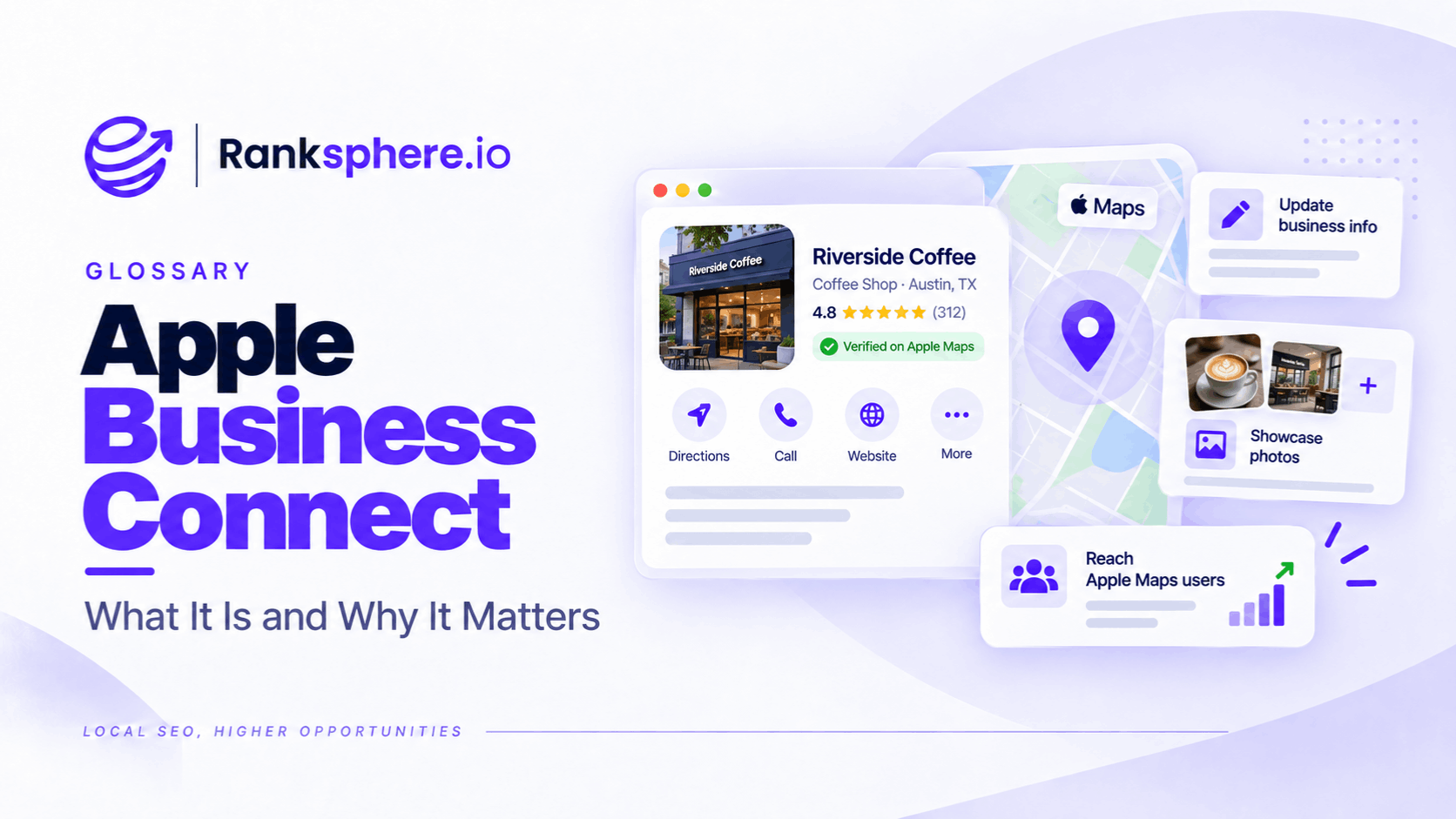
Apple Business Connect was Apple's free platform for managing how businesses appear across Apple Maps and other Apple services. In April 2026, Apple replaced it with Apple Business, bringing location management and other business tools into one platform.
Businesses can now use Apple Business to manage their Apple Maps Place Cards, including their names, addresses, opening hours, photos and customer actions.
For local businesses, this matters because not every customer uses Google Maps. Someone searching for a nearby restaurant, asking Siri for directions or opening a shared address on an iPhone may encounter information from Apple's mapping system.
An accurate Google Business Profile doesn't guarantee an accurate Apple Maps listing. Both deserve attention.
What Happened to Apple Business Connect?
On 14 April 2026, Apple launched Apple Business, combining the functionality of three earlier products:
- Apple Business Connect
- Apple Business Manager
- Apple Business Essentials
The location management features previously offered through Business Connect are now part of Apple Business.
Existing claimed locations, photographs and other business information were automatically migrated to the new platform.
Businesses can access it through Apple Business.
This distinction is important because older instructions referring to the Business Connect dashboard may no longer match the current interface.
What Can You Manage in Apple Business?
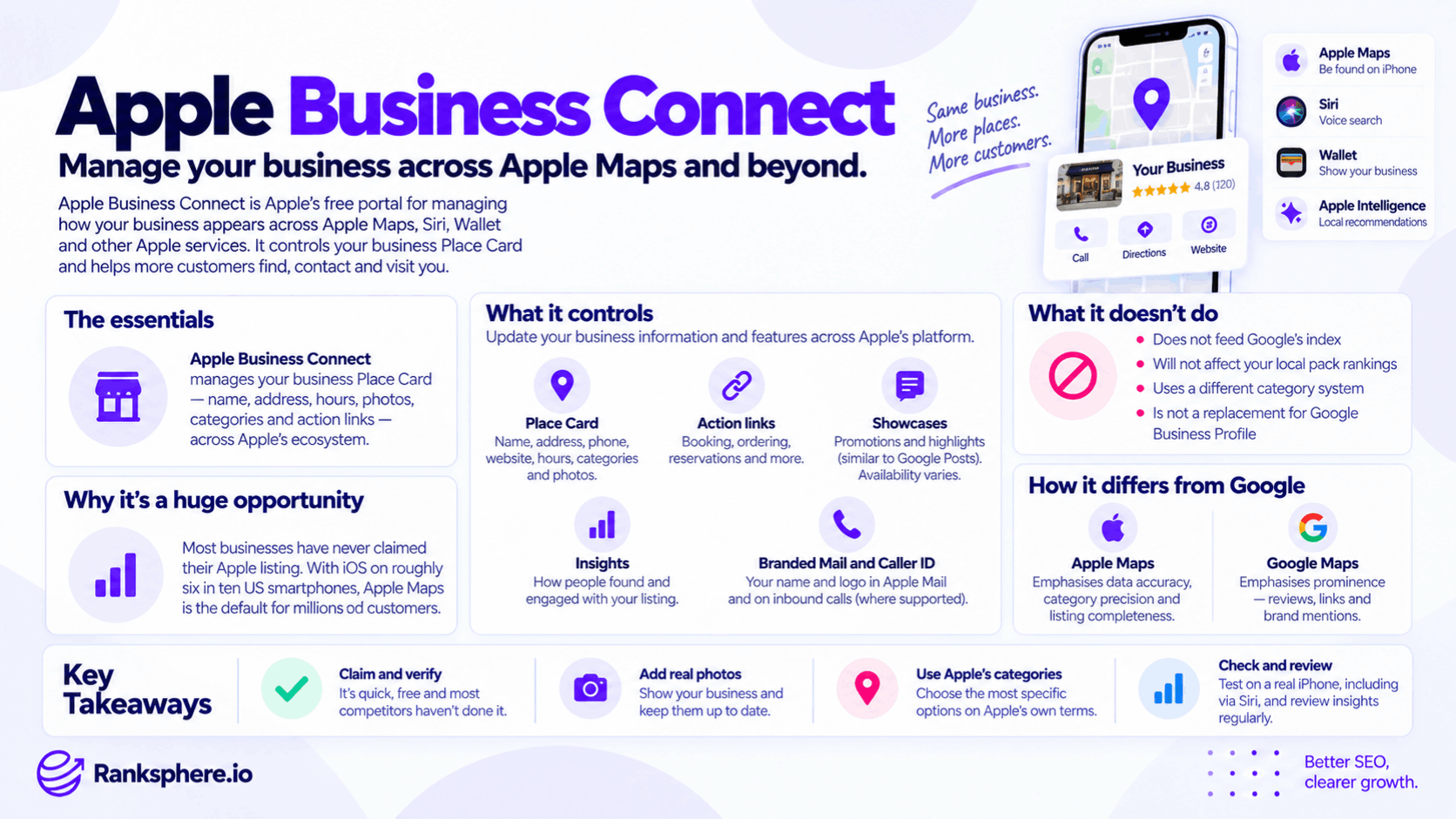
Apple Business offers several features for managing how customers encounter a business across Apple's services.
Apple Maps Place Cards
A Place Card displays information about a business or location.
Depending on the business and available features, it can include its name, address, contact details, opening hours, categories, photographs and other useful information.
This is often the first information customers see when they find a business on Apple Maps.
Custom Actions
Businesses can add supported actions that direct customers to relevant websites or apps.
For example, a restaurant might provide a reservation link, while another business may direct customers to an ordering or booking service.
Showcases
Showcases allow eligible businesses to highlight promotions, products or other timely information on their Place Cards.
They serve a broadly similar promotional purpose to Google Posts, although the platforms have different features and requirements.
Availability depends on Apple's supported markets and functionality.
Insights
Apple Business provides location insights showing how customers discover and interact with businesses.
These include searches, Place Card views and taps on actions such as directions, website visits and telephone calls.
The reporting helps businesses understand engagement, although a directions request doesn't necessarily mean someone visited the premises.
Why Does Apple Business Connect Matter for Local SEO?
A business can have a well-managed Google Business Profile and still display outdated information on Apple Maps.
For example, a customer using an iPhone might find an old telephone number or incorrect opening hours.
That can result in a missed call or an unnecessary journey.
Apple Business gives companies another way to maintain accurate information where their customers search.
Its importance is especially clear for businesses that rely on physical visits, such as restaurants, shops, clinics and other customer-facing premises.
However, there is no reliable basis for claiming that most competing businesses have unclaimed Apple listings or that Apple is universally the largest untapped local SEO opportunity.
Its value depends on the business, its customers and the accuracy of its existing information.
Does Apple Business Connect Improve Google Rankings?
There is no established direct ranking benefit from managing an Apple Business listing.
Google has not identified Apple Business Connect activity or Apple Maps listing completeness as a direct local pack ranking factor.
Apple Maps and Google Maps are separate search and navigation systems.
Although consistent business information is useful, it is also misleading to claim that Apple categorically gives more weight to listing completeness while Google gives more weight to reviews, backlinks or brand mentions.
Apple does not publish a directly comparable ranking formula supporting that conclusion.
For businesses, the strongest reason to maintain an Apple listing is straightforward: customers should be able to find accurate information regardless of which mapping app they use.
How to Claim or Manage an Apple Maps Listing
To get started:
- Visit business.apple.com.
- Sign in or create the appropriate business account.
- Add or locate the business and follow the instructions to claim the location.
- Complete any verification Apple requires.
- Review the Place Card's information.
- Add supported photographs, actions and promotional content where appropriate.
- Check the public listing after Apple's review or approval process.
Apple's verification process can vary by business and available method, so there is no guaranteed completion time.
Businesses with multiple locations can manage their locations individually within Apple Business.
What Should You Check on Your Listing?
Start with the information customers use to contact or visit the business.
Business details: Confirm the correct name, address and telephone number, commonly known as NAP.
Map location: Make sure the pin and suggested directions lead customers to the correct premises.
Opening hours: Check regular hours and relevant changes.
Categories: Choose the most accurate available categories rather than assuming Google Business Profile categories have identical equivalents.
Photographs: Add authentic images that help customers recognise the location.
Customer actions: Review booking, ordering and other links where supported.
A consistent business identity across platforms is useful, but formatting doesn't need to be mechanically identical where different platforms have different field requirements.
Ranksphere's Local Citation Management Tool helps businesses compare external listings against a reference business record and identify inaccurate information.
How to Measure Apple Maps Performance
Apple Business Insights provides data about how customers interact with locations.
Relevant metrics include searches, Place Card views and taps for directions, websites, calls or supported custom actions.
Businesses can use these reports to understand whether customers are discovering and engaging with their locations.
However, these interactions aren't the same as completed enquiries, confirmed appointments or actual visits.
For example, a customer tapping the Call action does not prove that a conversation took place.
Review these figures alongside your own booking and customer acquisition data wherever possible.
Common Apple Business Connect Mistakes
- Using outdated Business Connect instructions. The platform is now Apple Business.
- Assuming Google Business Profile updates Apple Maps. Check the Apple listing independently.
- Ignoring the map pin. Correct contact details aren't enough if directions lead to the wrong entrance.
- Using inappropriate categories. Apple's options may differ from Google's.
- Leaving outdated opening hours or telephone numbers.
- Expecting Apple Maps activity to directly improve Google rankings.
- Assuming Place Card interactions are confirmed customers. Insights measure engagement, not necessarily completed conversions.
Best Practices
Make Apple Maps part of your regular business information checks.
Claim and verify locations through the current Apple Business platform.
Keep business details, opening hours and map positions accurate.
Use genuine photographs and relevant customer actions.
Review Insights periodically and investigate unexpected changes.
For agencies, include Apple location access and verification in client onboarding, particularly when customers frequently visit physical premises.
Example of Apple Business Connect for a Dental Practice
Consider a hypothetical dental practice called Thornbury Dental.
The practice has an accurate Google Business Profile, but its Apple Maps listing still displays an old telephone number and outdated opening hours.
The team only discovers the problem during a routine review of external business listings.
What the Practice Changes
The practice claims its Apple listing through Apple Business and completes the required verification.
It corrects the telephone number, hours and other Place Card details.
Staff also review the map pin to confirm that directions lead patients to the correct entrance.
The practice adds appropriate images and a supported appointment link.
Example
“The practice now provides more reliable information to customers using Apple Maps.
It can monitor Place Card views, website taps and directions requests through Apple Business Insights.
There is no reason to attribute a change in Google rankings to these updates.
The practical benefit is preventing customers from receiving incorrect contact and location information.
Apple Business Connect, now part of Apple Business, is valuable because local search happens beyond Google. Keeping those listings accurate is an important part of helping customers find your business.”
See Also
- Citation — Business information published on other websites and platforms.
- NAP — Maintaining accurate business name, address and telephone details.
- Bing Places for Business — Managing another major mapping and business discovery platform.
- Google Business Profile — Managing how a business appears across Google Search and Maps.
- Duplicate Listing — Understanding duplicate business records.
- Citation Audit — Finding outdated or inconsistent business information.