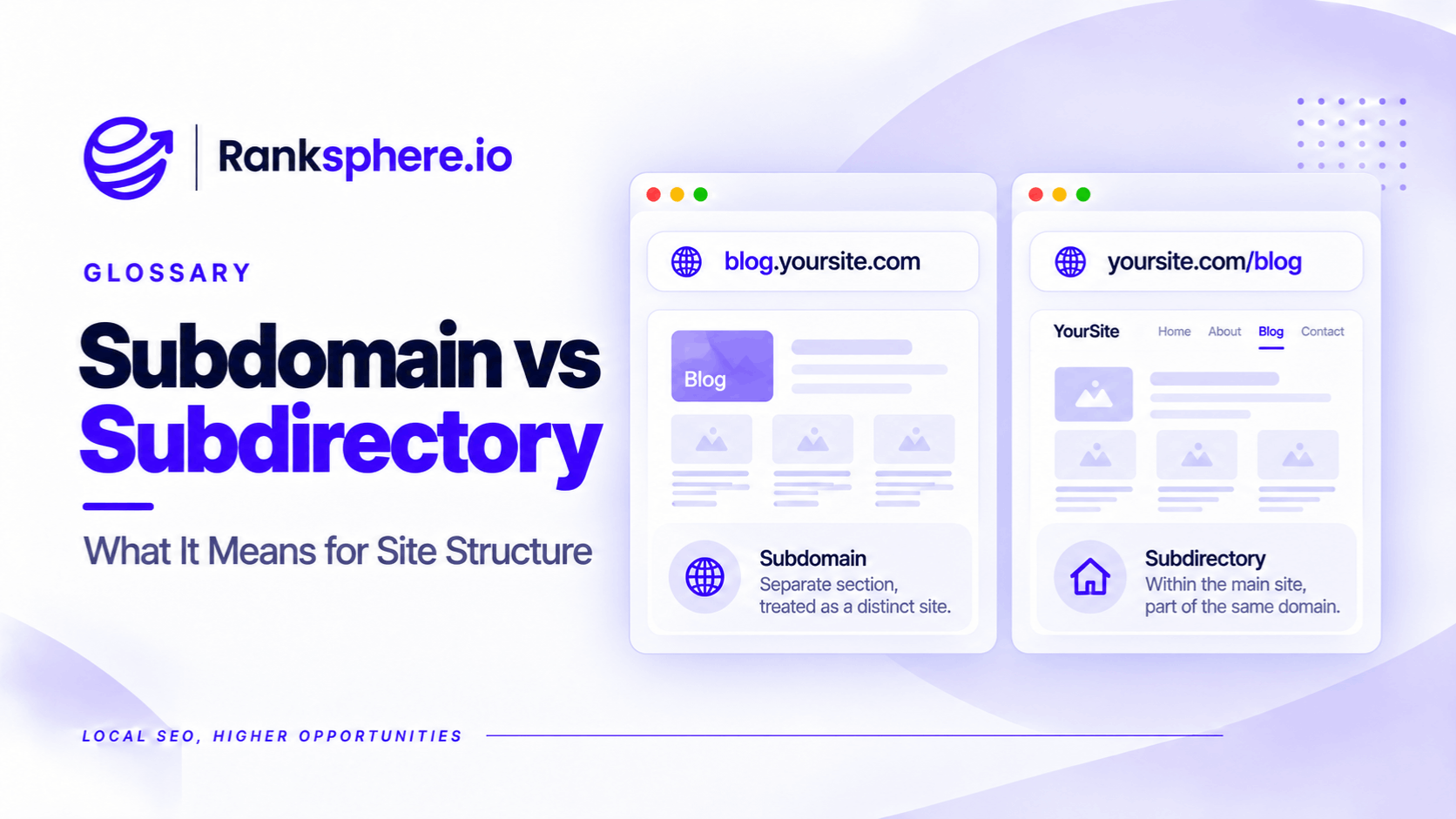
A subdomain is a separate hostname within a domain, such as blog.example.com. A subdirectory, also called a subfolder, is a section of a website organised under a URL path, such as example.com/blog/.
Both can be used to publish blogs, service pages, knowledge bases and other website content.
Google explicitly states that it has no general ranking preference between subdomains and subdirectories.
However, that doesn't mean the choice is irrelevant.
For most small business websites, a subdirectory is a sensible default because it keeps navigation, content management and reporting simpler.
A subdomain may be the better option when a separate platform, technical system or business unit needs to operate independently.
What Is the Difference Between a Subdomain and a Subdirectory?
The distinction is in the URL structure.
| Subdomain | Subdirectory | |
|---|---|---|
| Example | blog.example.com | example.com/blog/ |
| Structure | Separate hostname | Path within a hostname |
| Hosting | Can use separate hosting | Can share hosting or use a proxy |
| Robots.txt | Can have its own rules | Shares the hostname's robots.txt |
| Search Console | Covered by a Domain property | Covered by the main Domain property |
| Best suited to | Separately managed platforms | Closely related website content |
For example, a dental practice could publish patient guides at either address.
Google can crawl and index both, provided the pages meet its technical requirements.
The content's usefulness, internal links and overall search relevance matter more than whether the URL uses a subdomain or subdirectory.
What Does Google Say About Subdomains vs Subdirectories?
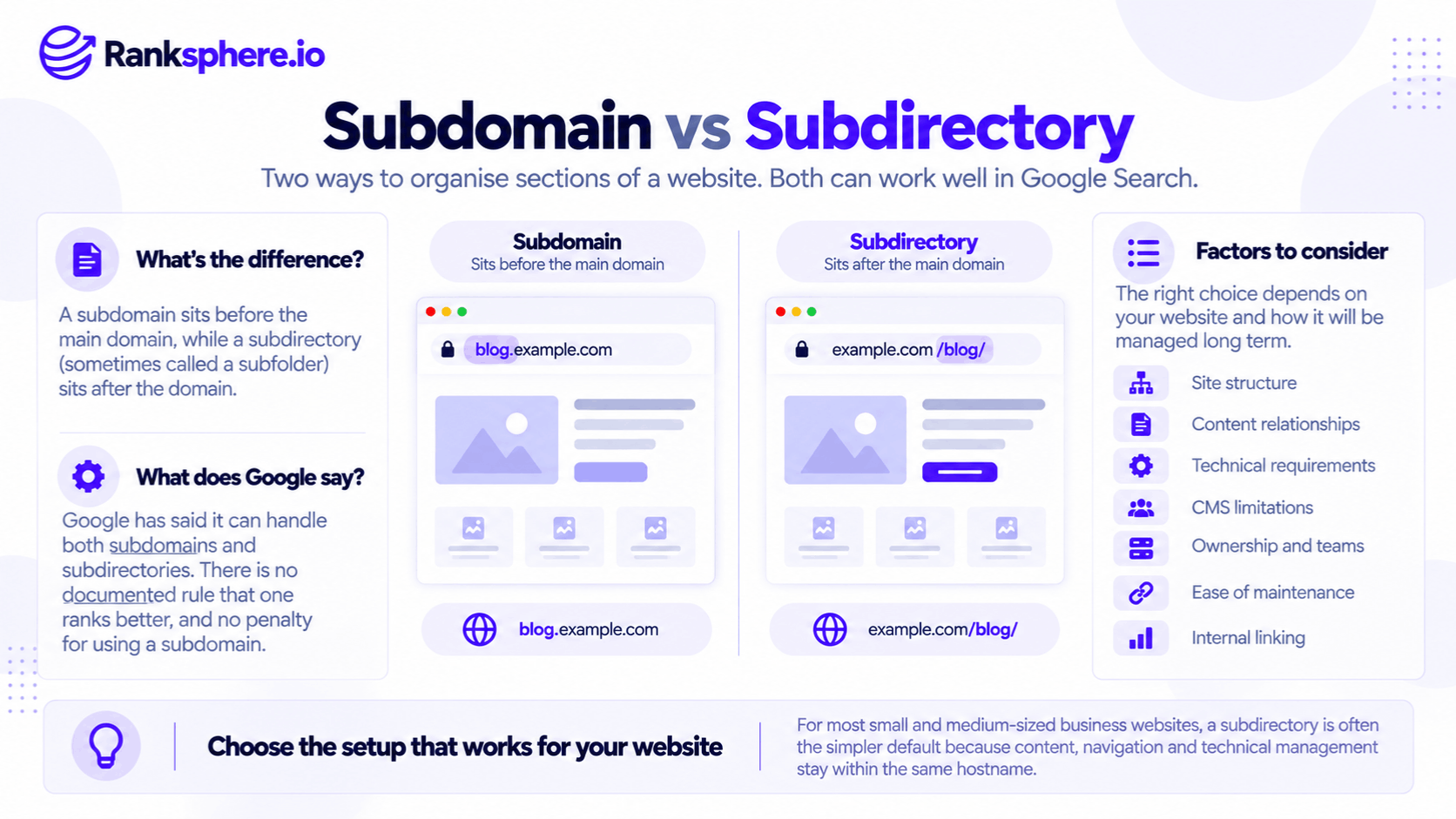
Google's guidance is straightforward: choose whichever structure is easiest to organise and manage.
It doesn't recommend moving a blog to a subdirectory solely because subdirectories supposedly rank better.
That is important because SEO advice often claims that subdomains are treated as completely separate websites and cannot benefit from links associated with the main domain.
This oversimplifies how Google evaluates links and websites.
A subdomain can receive links from the main website, link back to relevant pages and build its own visibility.
Similarly, placing content in a subdirectory doesn't guarantee that rankings or link equity will improve.
Some migration case studies report gains after moving content into subdirectories. However, those migrations often change more than the URL structure, including navigation, redirects, content and internal linking.
It is difficult to isolate the URL format as the cause.
Why Choose a Subdirectory?
For a typical local business website, a subdirectory is often easier to maintain.
Simpler Internal Linking
A blog within the main website can share navigation, templates and related-content sections with service pages.
For example, a veterinary practice might publish a guide about rabbit vaccinations at:
example.com/blog/rabbit-vaccinations/
The article can naturally link to the practice's relevant veterinary service page.
Those links help readers navigate and help Google understand the relationship between the pages.
The same result is possible with a subdomain, but separate systems may require additional integration.
Easier Website Management
A subdirectory can make it simpler to maintain consistent branding, analytics and technical settings.
Depending on the website's setup, the blog may share an XML sitemap, templates and a robots.txt file with the main website.
A subdomain has its own robots.txt scope and may require separate technical configuration.
More Consistent Content Organisation
Related content can be grouped naturally within the same website structure.
This can make it easier to develop useful topic clusters and demonstrate subject coverage, often discussed as topical authority.
However, topical authority isn't an official Google score, and subdirectories don't receive a special ranking bonus for being organised this way.
When Does a Subdomain Make More Sense?
There are legitimate reasons to choose a subdomain.
A business may use one when:
- A hosted platform requires a separate hostname.
- A booking system or customer portal needs its own infrastructure.
- A support centre is managed independently.
- Different teams need separate publishing and deployment systems.
- A distinct business unit serves a different audience.
For example, a software company might host its application at app.example.com while keeping marketing pages on example.com.
There is no inherent SEO problem with that arrangement.
The goal should be a structure that supports the platform's technical requirements and gives visitors a clear experience.
Can a Reverse Proxy Put Subdomain Content in a Subdirectory?
Yes.
A reverse proxy can serve content from a separately hosted platform under a subdirectory URL.
For example, a blog hosted on another system could appear to visitors at:
example.com/blog/
This can be useful when the business wants consistent website URLs without moving the underlying application.
However, reverse proxies add technical complexity.
Caching, asset URLs, canonical tags, redirects and other settings must work correctly.
For a small blog with only a few articles, the additional maintenance may not be justified.
Does Google Search Console Treat Them Differently?
Google Search Console supports two relevant property types.
A Domain property covers the root domain, its subdomains and supported protocols.
For example, a property for example.com includes data from blog.example.com and example.com/blog/.
A URL-prefix property covers only the specified prefix.
For example, a property for https://example.com/ does not automatically include https://blog.example.com/.
You can create a separate URL-prefix property when you want to monitor a subdomain independently.
This means a subdomain doesn't necessarily require an entirely separate Search Console property, contrary to some older SEO advice.
Should You Move a Blog From a Subdomain to a Subdirectory?
Not automatically.
If an existing subdomain is performing well, moving it simply because someone claims subdirectories receive more authority may introduce unnecessary risk.
A migration is worth considering when there are clear benefits, such as easier content management, improved navigation or better integration with the main website.
Moving between the two structures is a site migration.
If you decide to migrate:
- Map every existing URL to its new equivalent.
- Implement permanent redirects, generally using a 301 redirect or 308 where appropriate.
- Update internal links, canonical URLs and sitemaps.
- Check that important pages remain crawlable and indexable.
- Monitor indexing, rankings and organic traffic after launch.
Redirect directly to the most relevant new URL rather than sending every old blog post to the blog homepage.
Search visibility may fluctuate while Google processes the changes.
Ranksphere's Website Audit Tool can help identify technical issues and review website structure during an audit or migration.
Common Subdomain and Subdirectory Mistakes
- Assuming subdirectories automatically rank better. Google doesn't confirm such a preference.
- Treating subdomains as completely isolated. Links can connect content across hostnames.
- Choosing a structure without considering maintenance. Technical requirements matter.
- Forgetting to monitor a subdomain. Important traffic and indexing issues can go unnoticed.
- Migrating without permanent redirects. Old URLs may break and lose visibility.
- Failing to update internal links. Navigation should point directly to current URLs.
- Moving a successful blog without a clear reason. Migration always introduces some risk.
Best Practices
For a new local business website, consider using a subdirectory for blog content and related resources unless there is a good technical reason to separate them.
Use a subdomain when independent systems or organisational requirements justify it.
Whichever structure you choose, provide clear navigation, relevant internal links and accurate indexing settings.
If you're considering a migration, evaluate the operational benefits and SEO risks before making the change.
Example of a Subdomain vs Subdirectory Decision
Consider a hypothetical veterinary practice with a blog at:
The blog has around 40 articles, including several guides that attract links from local animal welfare organisations.
The practice's service pages are hosted at:
What the Audit Finds
The blog uses a separate platform with no shared navigation.
Its articles rarely link to relevant services on the main website.
For example, a guide about rabbit vaccinations doesn't direct readers to the practice's vaccination service page.
The problem isn't simply that the blog uses a subdomain.
It is that useful content and commercial service pages aren't properly connected.
What the Practice Changes
The practice evaluates whether to improve integration between the two platforms or consolidate the blog into a subdirectory.
Because its website platform can support the blog directly, it decides to migrate.
The team maps the existing URLs, adds permanent redirects and updates internal links.
It also adds relevant contextual links from educational articles to the practice's service pages.
Example
“The migration makes the website easier to maintain and connects previously isolated content.
Those improvements may help visitors discover relevant services and give Google clearer links between related pages.
However, any subsequent ranking improvement cannot automatically be attributed to the move from a subdomain to a subdirectory.
For SEO, the better structure is the one that supports useful content, clear navigation and reliable website management — not the one assumed to have more authority.”
See Also
- Site Architecture — How website sections and pages are organised.
- Site Migration — Moving content without unnecessarily disrupting search visibility.
- Link Equity — How links contribute to the importance of webpages.
- Internal Linking — Connecting relevant content throughout a website.
- URL Slug — The readable URL path identifying an individual page.
- Google Search Console — Monitoring search performance across domains, subdomains and URL paths.