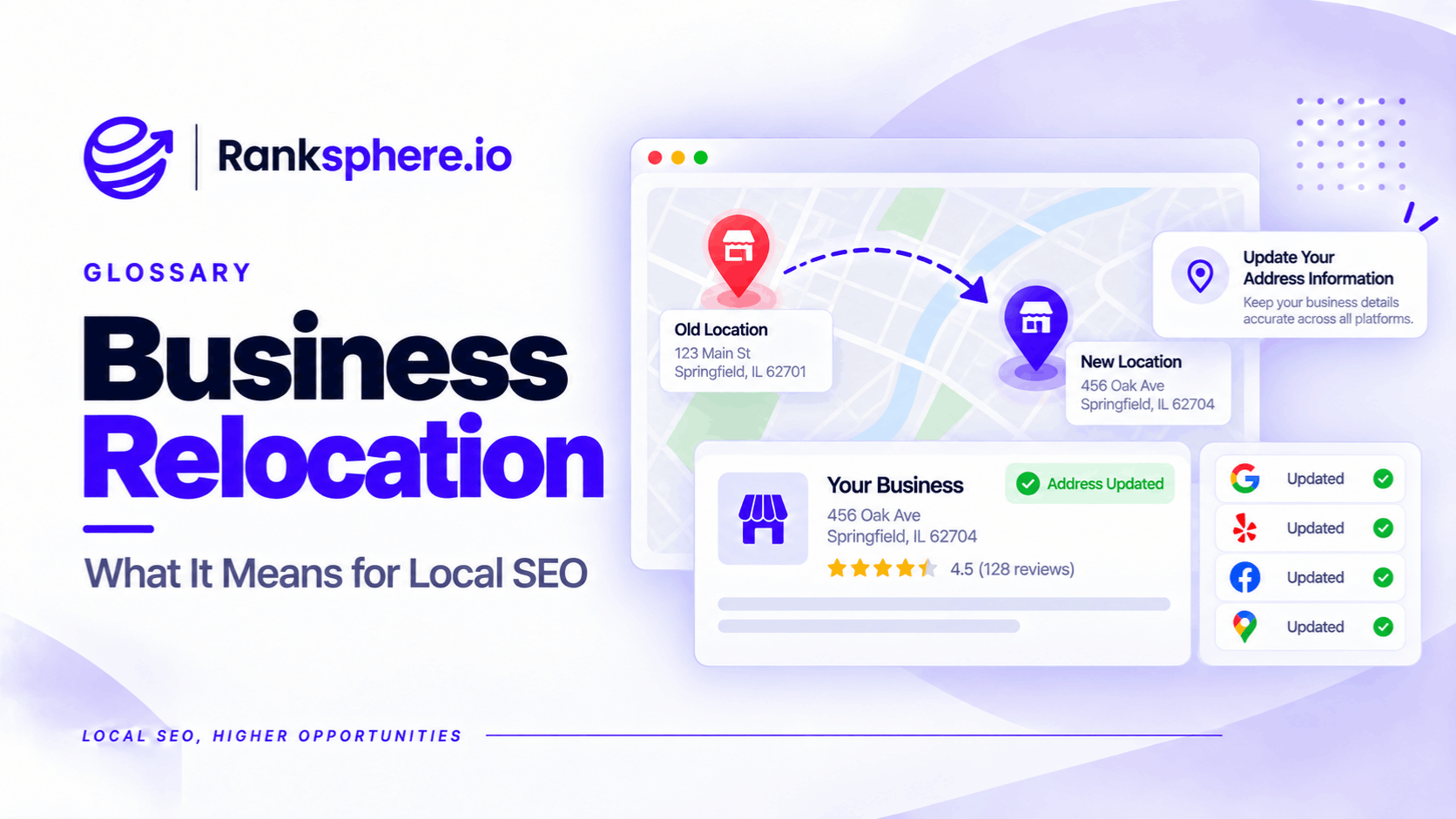
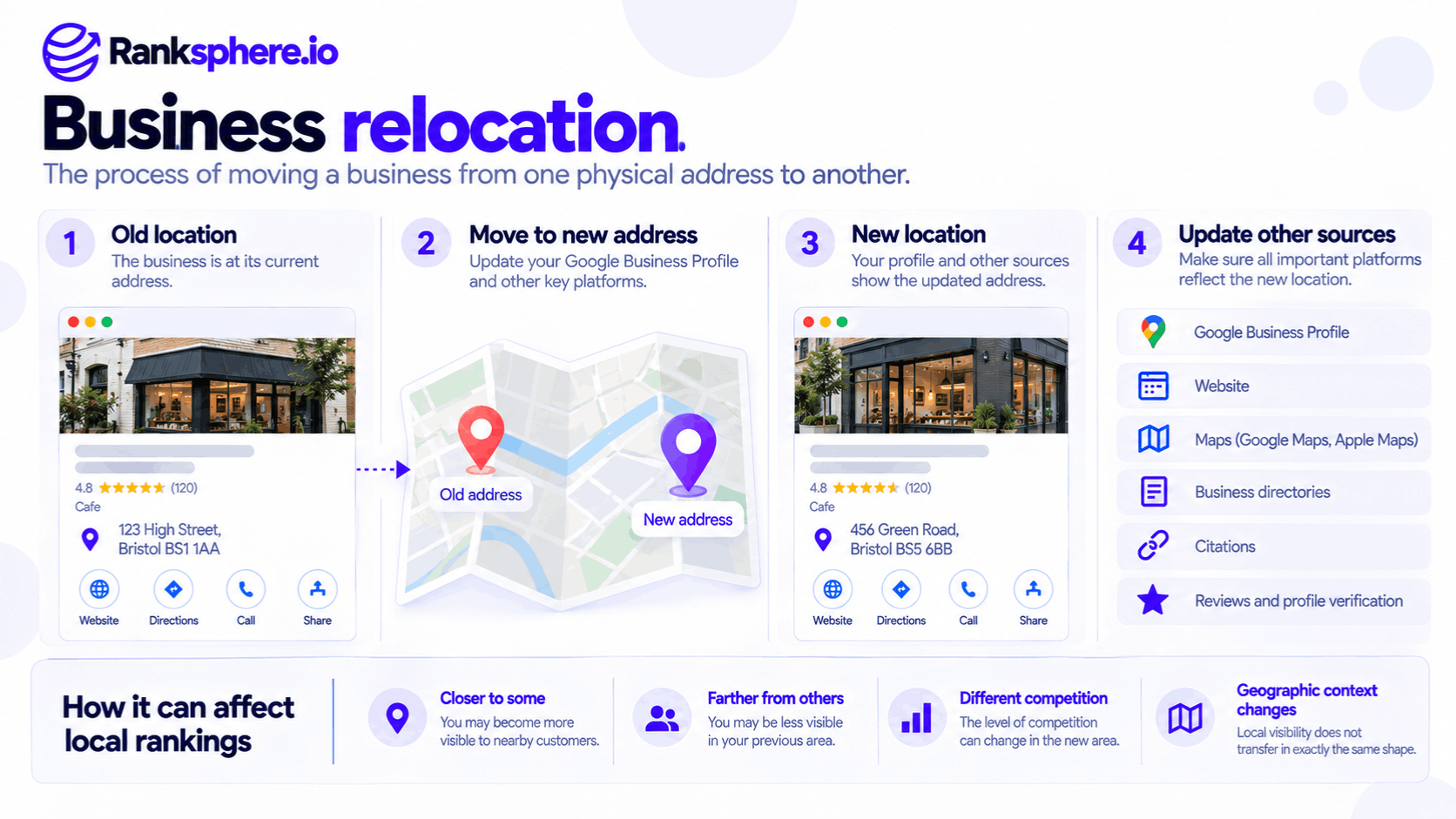
Business relocation is the process of moving a business from one physical address to another.
For local SEO, the move changes more than the address customers see on Google Maps. It can affect local rankings, directions, business listings and the information customers use to find the premises.
Two problems commonly follow a move.
First, the business's proximity to potential customers changes, which can affect where it appears in local search results.
Second, the new address is updated on Google but remains incorrect across directories, websites and other platforms.
A successful business relocation means more than changing the address on Google. It means ensuring customers can find the new location wherever they look.
How Does Business Relocation Affect Local SEO?
Google says local rankings mainly depend on relevance, distance and prominence.
Distance is particularly important when a business changes location.
For example, a florist moving three miles north may become closer to customers in one neighbourhood and farther away from customers in another.
Its Google Maps visibility may change accordingly.
This is explained by Google's local ranking factors.
However, moving doesn't automatically erase a business's existing prominence or guarantee stronger rankings near the new address.
Competition, business relevance, reviews and other information still influence results.
What Happens to Reviews?
For most businesses retaining the same name, Google advises updating the existing Business Profile rather than creating another.
Google states that reviews generally transfer automatically when a business relocates and keeps its name.
However, certain location-dependent business categories, including hotels and attractions, may be handled differently.
The assumption that reviews always transfer without exception is therefore inaccurate.
Should You Create a New Google Business Profile After Moving?
Usually, no.
For a typical florist, dental practice or office-based business moving to a new address, Google generally recommends updating the existing profile.
Creating another profile unnecessarily can lead to a duplicate listing, create customer confusion and complicate review management.
However, Google's current policies provide an important exception.
For businesses whose physical location is directly tied to the customer experience, such as certain restaurants, hotels or entertainment venues, Google may require the old profile to be marked permanently closed and a new profile created.
See business status.
Before changing a profile, confirm which relocation policy applies to your business.
Business Relocation SEO Checklist
A relocation should be managed in three stages: before the move, during the move and after the move.
Before the Move
Start by recording the business's current local SEO performance.
Review Google Business Profile performance to establish a baseline for customer interactions.
Run a geo-grid ranking scan for important keywords and record the geographic area being measured.
Next, carry out a citation audit to identify platforms displaying the existing address.
Make a list of where the address appears, including the website, business listings, social profiles, email signatures and booking systems.
Finally, agree on the correct new business name, address and telephone details, commonly referred to as NAP.
Having one accurate reference makes the update process easier.
During the Move
Update the existing Google Business Profile address when Google's policies permit it.
Google currently requires a verified business to complete verification again after changing its address.
Plan for that requirement rather than assuming the change will be approved immediately.
Update the website's contact page, footer and relevant location pages.
If the website uses LocalBusiness schema, update its address to match the visible business information.
Then correct important third-party listings.
These may include:
- Apple Business Connect
- Bing Places
- Relevant industry directories
- Local business directories
- Social and booking platforms
Where relevant, identify the data aggregators that distribute the company's details to other platforms.
Correcting those records can help prevent outdated information from continuing to circulate.
However, do not delay an urgent correction on Google Maps or another important customer-facing platform simply to update an aggregator first.
After the Move
Check that the business appears at the correct location in Google Maps.
For customer-facing premises, verify that the map pin leads visitors to the correct building or entrance.
Review the public Business Profile to confirm the updated address and status.
Repeat the citation audit after several weeks to identify directories still showing the old location.
Run another geo-grid scan using comparable settings, and review whether local visibility has shifted towards the new premises.
Also check for duplicate profiles, particularly if the old address continues to appear on Google Maps.
Ranksphere's Local Citation Management Tool helps businesses audit listings across more than 500 directories and identify inaccurate or inconsistent records.
Why Local Rankings Can Change After Relocation
A business shouldn't expect its ranking coverage to transfer unchanged to a new address.
For example, a veterinary practice moving four miles may appear more prominently for searches closer to the new premises but less prominently near its former location.
That doesn't necessarily mean the relocation was handled incorrectly.
The business is now competing from a different geographic position.
Its nearby competitors may also be different.
A temporary change in visibility can occur while Google reviews the address and processes updated information.
However, Google does not publish a guaranteed relocation recovery period.
Compare rankings across a consistent geographic area, and separate changes caused by physical distance from possible data or verification problems.
Common Business Relocation Mistakes
- Creating a new profile unnecessarily. Most ordinary relocations should update the existing profile.
- Ignoring category-specific exceptions. Some location-dependent businesses require a different process.
- Updating Google but forgetting other listings. Customers may still visit the old address.
- Assuming reviews always transfer. Google documents exceptions.
- Forgetting re-verification. Address changes to verified profiles require it.
- Leaving outdated website information. Contact pages, schema and location pages should agree.
- Failing to record a baseline. Without one, ranking changes are harder to interpret.
- Expecting identical geographic rankings. Proximity changes when the business moves.
Business Relocation Best Practices
Check Google's current relocation policy for the business category before editing or creating a profile.
Record ranking and performance data before the move.
Update the correct Business Profile, website information and important external listings.
Verify the location and map pin once the new address is live.
Recheck citations after the move and monitor for duplicate records.
Most importantly, explain expected geographic ranking changes to the business before relocation rather than interpreting every shift as an SEO failure.
Example of Business Relocation for a Florist
Consider a hypothetical florist called Bramble & Co.
The business moves from a small shop to larger premises several streets away.
The owner updates Google Business Profile but overlooks several other listings.
Months later, customers are still finding the old address on Apple Maps and wedding directories.
What the Audit Finds
The agency discovers outdated addresses across several directories.
Some listings also display an old telephone number.
A geo-grid comparison shows that visibility differs between the previous location and the new one.
However, the change isn't uniform. Rankings have improved in some areas and weakened in others.
What the Agency Changes
The team checks that the existing Business Profile accurately reflects the new address.
It updates the website and corrects inaccurate information on important directories and relevant data providers.
The agency then repeats its citation checks to identify records that still need attention.
Example
“The original problem wasn't simply a ranking decline.
Customers were being given conflicting location information.
Correcting those records makes it easier for people to find and contact the business.
The ranking distribution may continue to differ from the original location because proximity has changed.
The most important outcome of business relocation SEO is accurate, consistent information about where the business now operates. Rankings should be monitored, but customers finding the correct premises comes first.”
See Also
- NAP — The business name, address and telephone information being updated.
- Citation Audit — Finding outdated business addresses across directories.
- Duplicate Listing — Identifying multiple records for the same business.
- Data Aggregator — How business information reaches other platforms.
- Business Status — Choosing the correct open or closed status.
- Local Ranking Factors — Understanding relevance, distance and prominence.